
TikTok is built around short-form video, but many users are really trying to keep the audio. Sometimes it is a music snippet, sometimes a voiceover, and sometimes it is just a clip you want to reuse offline without opening the app again. That is where a TikTok to MP3 downloader becomes useful. The problem is that not every tool handles audio-oriented downloading equally well. Some are quick but flimsy. Some are broader download tools that happen to do the job much better over time. For this article, candidate pages were confirmed online first, and screenshots were captured from those live URLs before being inserted into the document.
Table of Contents:
Key Takeaways
[Audio-first workflows] A good TikTok to MP3 downloader should make it easy to extract audio cleanly without adding unnecessary friction.
[Desktop tools] Installed software is usually more useful when you save TikTok audio regularly and want better file handling.
[Online tools] Browser-based tools remain the fastest option for quick one-off MP3 saves.
[Verified screenshot workflow] This version uses real screenshots from confirmed live pages instead of assumed URLs.
Part 1. How We Test These TikTok to MP3 Downloader Tools
Audio Quality Preservation
For TikTok audio saving, output quality matters more than a flashy landing page. We check whether a tool can preserve usable sound quality after extraction and whether the MP3 result is actually practical for listening, editing, or archiving. A good tool should not leave you with compressed, muddy audio that sounds noticeably worse than the source.
Workflow Simplicity
A TikTok to MP3 downloader should not feel like a puzzle. We compare how many steps are needed, whether the interface is understandable for non-technical users, and whether the path from copied TikTok link to saved MP3 file feels smooth or frustrating. Simpler is not always better, but needless friction definitely lowers the value of a downloader.
Device Flexibility
Some users download audio on laptops, others from phones, and some want both. That is why we look at how well each tool works across Windows, macOS, and browser-based environments. A good downloader should meet users where they already are instead of forcing a complicated setup for a basic job.
Stability and Practical Use
We also pay attention to whether a tool feels dependable enough to use more than once. Quick online tools can be handy, but they also tend to vary in consistency. Desktop apps may take longer to start using, yet they often feel more stable once installed. In short, we test not just whether a tool works, but whether it is worth using repeatedly.
Part 2. Best TikTok to MP3 Downloader Tools for Desktop
1. Wondershare UniConverter
Wondershare UniConverter is the strongest desktop option in this list for users who want a fuller audio workflow instead of a disposable one-click extractor. It is a better fit for people who regularly save TikTok sound clips, voice snippets, or music fragments and want more control over the resulting files. Because it sits inside a broader media toolkit, it is also much easier to reuse the downloaded audio later for editing, trimming, conversion, or organization. That broader utility is what makes it stand out from simpler browser tools.

Key Features:
- Desktop-based audio extraction workflow
- Supports MP3-friendly output tasks in a broader converter suite
- Useful for repeat saves and local organization
- More practical for creators, editors, and marketers
- Flexible beyond a single TikTok-only task
Safety Rating: High
Supported Formats: MP3, WAV, AAC, FLAC, M4A, and many more
Max Quality: High quality audio output depending on source
Step-by-Step Guide:
Step 1: Open UniConverter and go to the downloader or converter area.
Step 2: Copy the TikTok video link that contains the audio you want.
Step 3: Paste the URL and choose an MP3-oriented workflow if available.
Step 4: Export the saved audio file to your preferred local folder.

TikTok to MP3 Downloader for Offline Audio Anytime, Anywhere
2. 4K Video Downloader
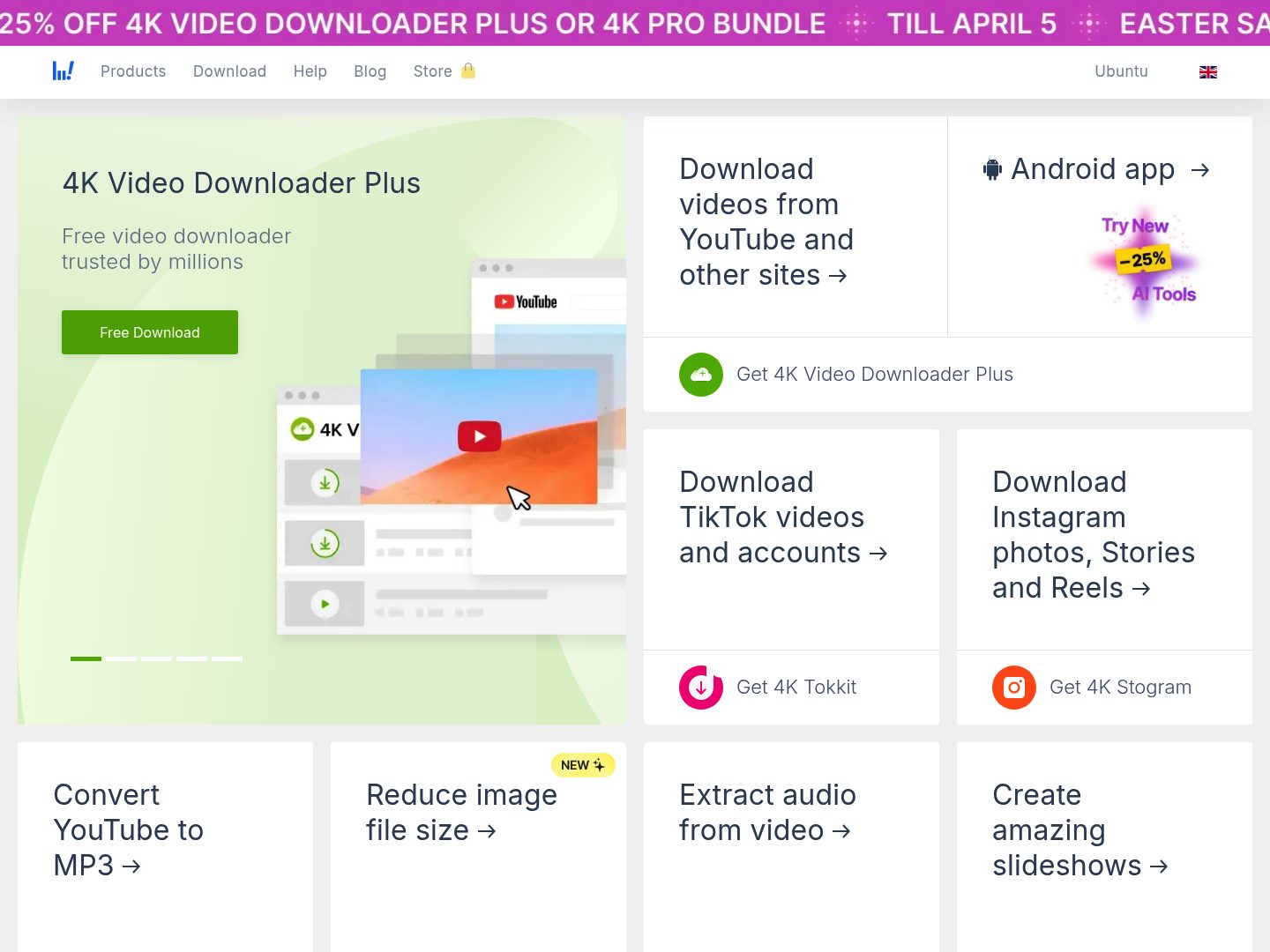
4K Video Downloader is a solid desktop choice for users who want a more focused local downloader rather than a broad conversion suite. While it is better known for video tasks, it still makes sense in a TikTok-to-MP3 workflow when you want a dedicated app that feels cleaner and more predictable than browser tools. The experience is especially useful for repeat downloads where local organization matters.
Key Features:
- Dedicated desktop downloader workflow
- Useful for recurring local downloads
- Clean interface for file management
- Practical for repeat saves on computer
- More predictable than many web tools
Safety Rating: Medium to High
Supported Formats: Common download and media formats
Max Quality: High depending on source
Step-by-Step Guide:
Step 1: Launch 4K Video Downloader.
Step 2: Copy the TikTok link.
Step 3: Paste it into the app and choose your preferred output path.
Step 4: Save and convert the extracted result to MP3 as needed.
3. SnapDownloader
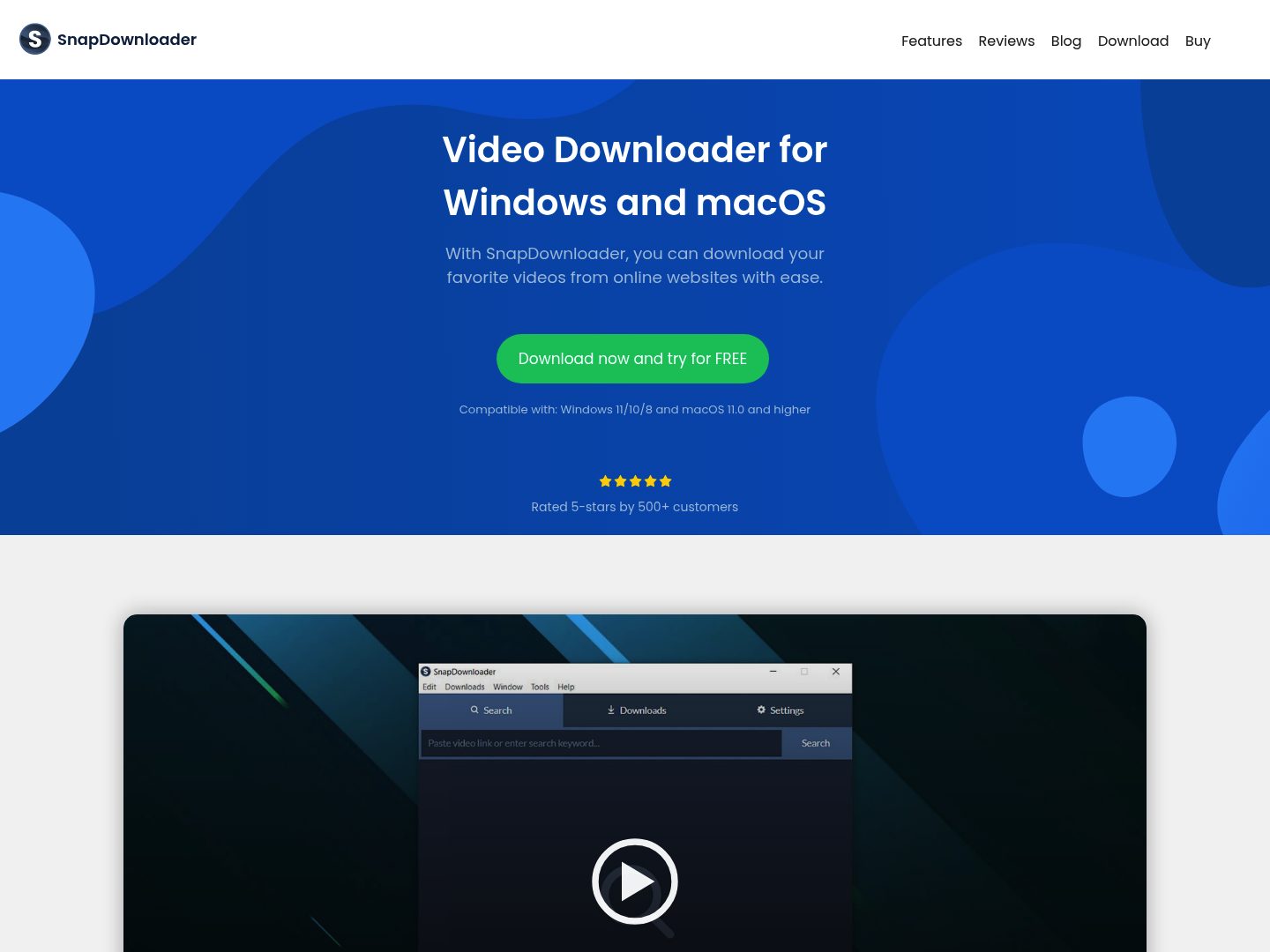
SnapDownloader works well for users who download online media often enough to care about having a more deliberate local workflow. It is better suited to recurring use than most quick browser-based tools and gives users a steadier environment for saving files. For TikTok-to-MP3 needs, that makes it a practical desktop option when convenience alone is not enough.
Key Features:
- Desktop-first downloader setup
- Good for recurring media saves
- Useful for broader video-to-audio workflows
- Better organized than most web tools
- Works well in repeated local use
Safety Rating: Medium to High
Supported Formats: Common downloader output workflows
Max Quality: High depending on source
Step-by-Step Guide:
Step 1: Open SnapDownloader.
Step 2: Copy the TikTok URL.
Step 3: Paste it and choose the most suitable audio-related output flow.
Step 4: Save the file locally.
4. VideoProc Converter AI
VideoProc Converter AI belongs in this list because it is a broader desktop media tool that can fit TikTok-to-MP3 tasks well when users care about conversion flexibility. It is especially useful if you are not only downloading audio, but also preparing it for other uses, formats, or devices. Compared with bare-minimum web tools, it feels more like part of a complete workflow.

Key Features:
- Broader converter environment
- Useful for media conversion after download
- Good for repeat computer-based workflows
- Flexible for handling multiple file types
- More than a single-purpose downloader
Safety Rating: High
Supported Formats: MP3, AAC, WAV, FLAC, and others
Max Quality: High depending on source
Step-by-Step Guide:
Step 1: Open VideoProc Converter AI.
Step 2: Copy your TikTok URL or import the file.
Step 3: Set the output to MP3 or another preferred audio format.
Step 4: Export the processed result.
Part 3. Best TikTok to MP3 Downloader Tools Online
5. SaveTT
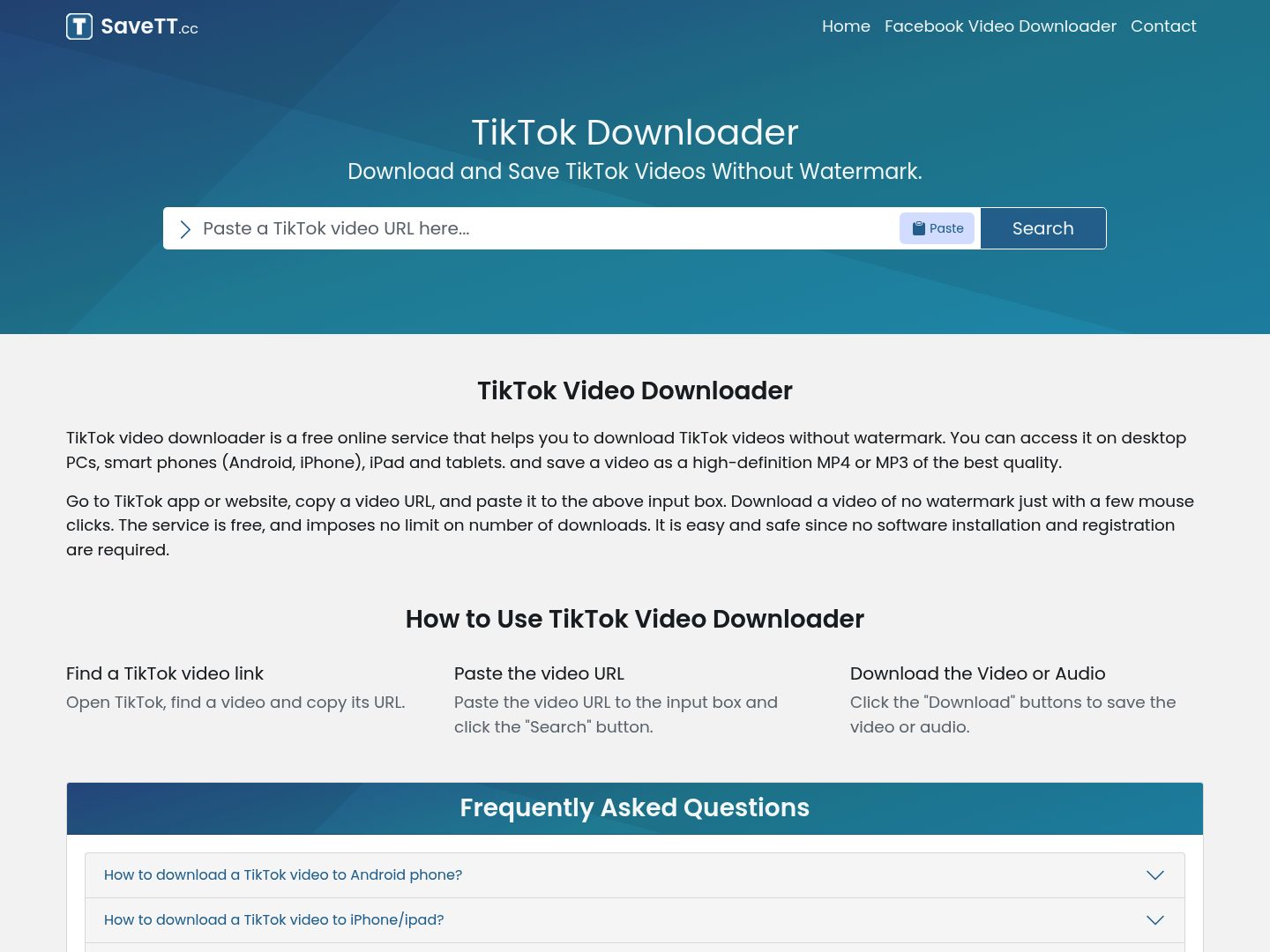
SaveTT is one of the more direct browser-based tools in this category and has explicit visibility around TikTok downloads, including MP3 interest. It works well for users who only need a quick no-install option and do not want to spend time on setup. The simplicity is the main appeal here, especially on shared or temporary devices.
Key Features:
- Quick browser-based access
- No installation needed
- Simple copy-and-paste workflow
- Useful for casual saves
- Cross-device convenience
Safety Rating: Medium
Supported Formats: MP3 and video-oriented saves depending on page options
Max Quality: Good for casual use
Step-by-Step Guide:
Step 1: Open SaveTT in your browser.
Step 2: Paste the TikTok link.
Step 3: Use the site flow to extract or save the audio.
Step 4: Download the resulting MP3 file.
6. SSSTik
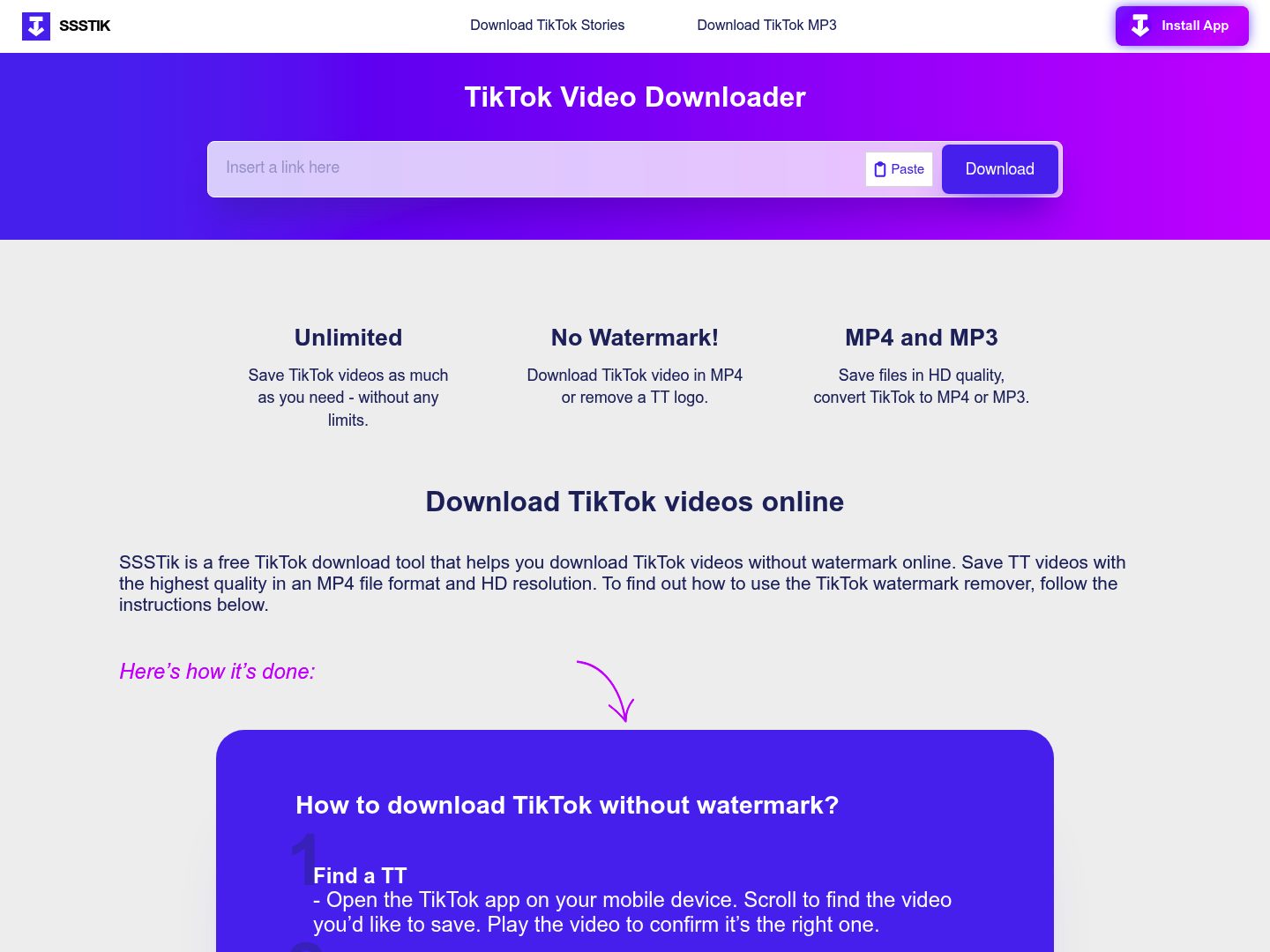
SSSTik is a familiar browser option for users who want a very direct route from TikTok link to downloadable output. While it is often discussed in video terms, it still belongs in an MP3-focused roundup because it is one of the names users routinely encounter while looking for TikTok download solutions. Its main advantage is simplicity, not depth.
Key Features:
- Very simple web workflow
- Beginner-friendly layout
- No install required
- Fast to test in browser
- Strong category visibility
Safety Rating: Medium
Supported Formats: Primarily TikTok download output options
Max Quality: Good for casual use
Step-by-Step Guide:
Step 1: Visit SSSTik.
Step 2: Paste the TikTok URL.
Step 3: Continue through the page flow and choose the relevant output.
Step 4: Save the MP3 file if available.
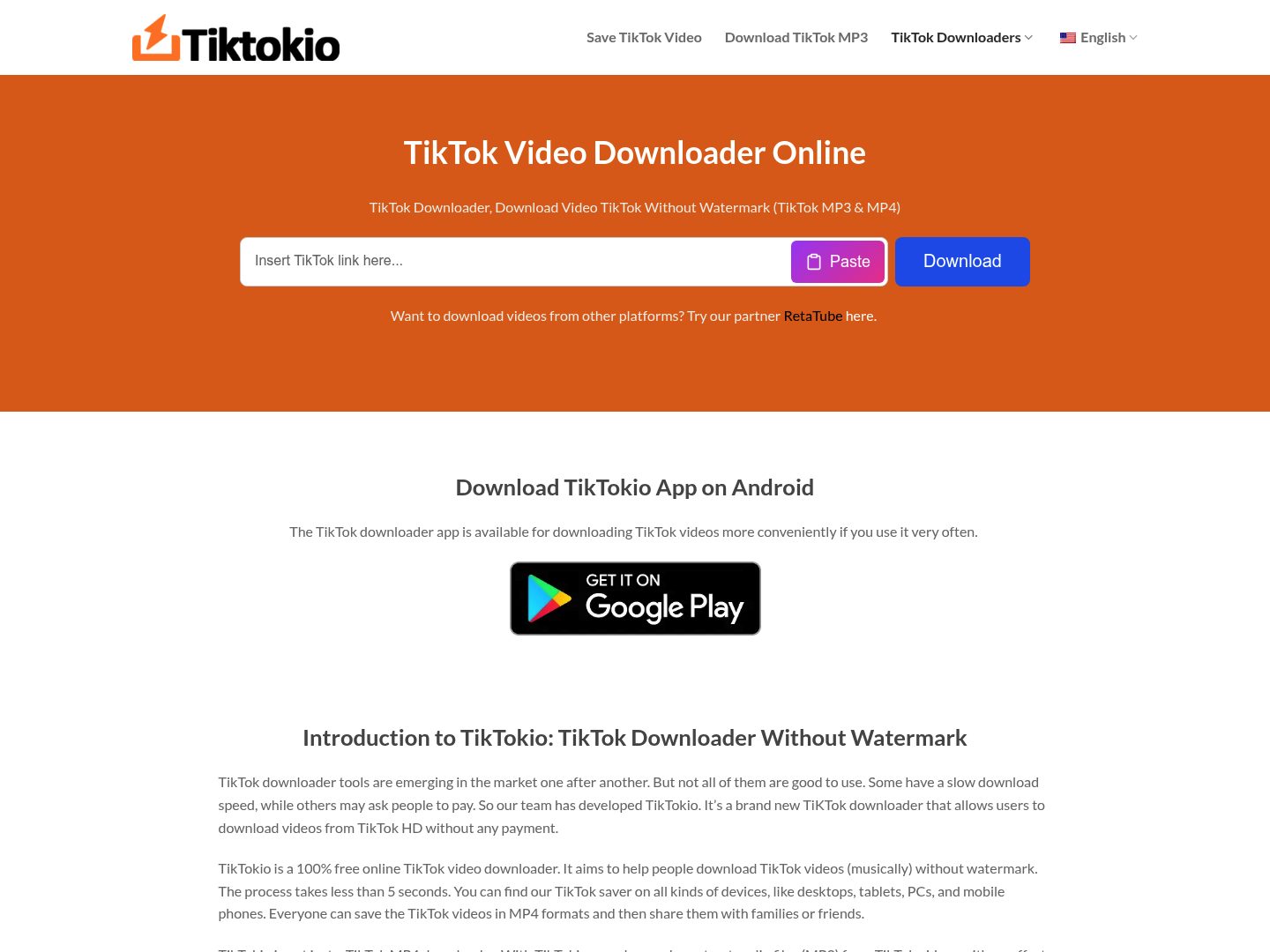
7. TikTokio
TikTokio is a lightweight downloader that works well as either a main browser option or a backup tool in a broader comparison set. It is useful for users who want to stay entirely online and avoid installing anything. For TikTok-to-MP3 needs, it is best treated as a convenience-first option.
Key Features:
- Lightweight browser-based access
- Good alternate option to keep in rotation
- No installation barrier
- Useful on common devices
- Focused on convenience
Safety Rating: Medium
Supported Formats: Common TikTok downloader outputs
Max Quality: Good for quick use
Step-by-Step Guide:
Step 1: Open TikTokio.
Step 2: Paste the TikTok link.
Step 3: Use the page’s output flow.
Step 4: Save the MP3 result if provided.
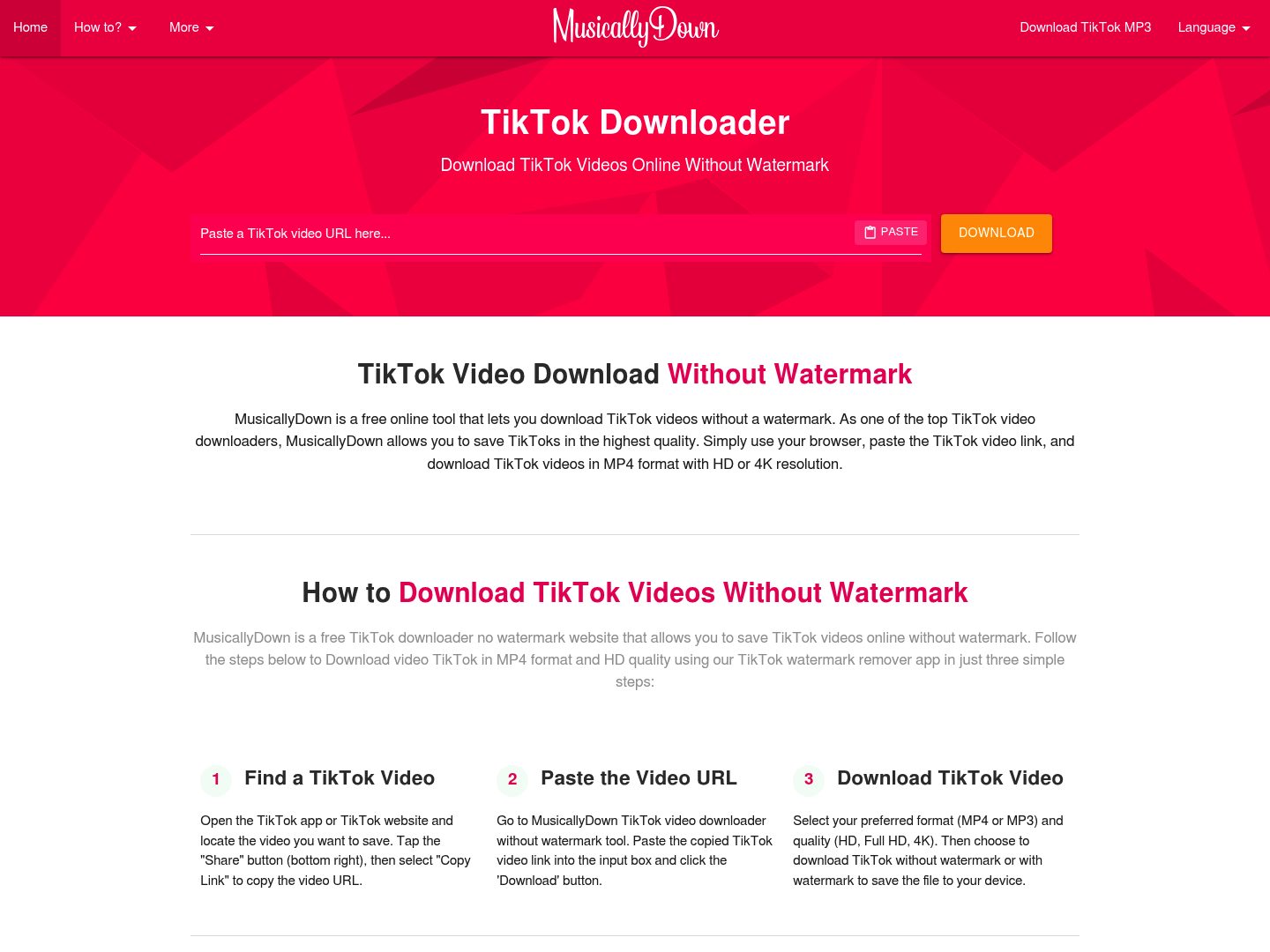
8. MusicalDown
MusicalDown remains one of the most relevant names in a TikTok-to-MP3 article because its brand recognition overlaps strongly with users looking to save TikTok audio. It is particularly useful for casual users who just want a quick browser tool without having to learn anything new. The trade-off is that it remains a lightweight convenience tool rather than a fuller workflow solution.
Key Features:
- Recognized TikTok download name
- Simple browser-first experience
- No install requirement
- Good for casual audio-saving interest
- Cross-device accessibility
Safety Rating: Medium
Supported Formats: Common TikTok download outputs including audio-related use
Max Quality: Good for casual use
Step-by-Step Guide:
Step 1: Open MusicalDown.
Step 2: Paste the TikTok URL.
Step 3: Continue through the page flow.
Step 4: Save the MP3 result.
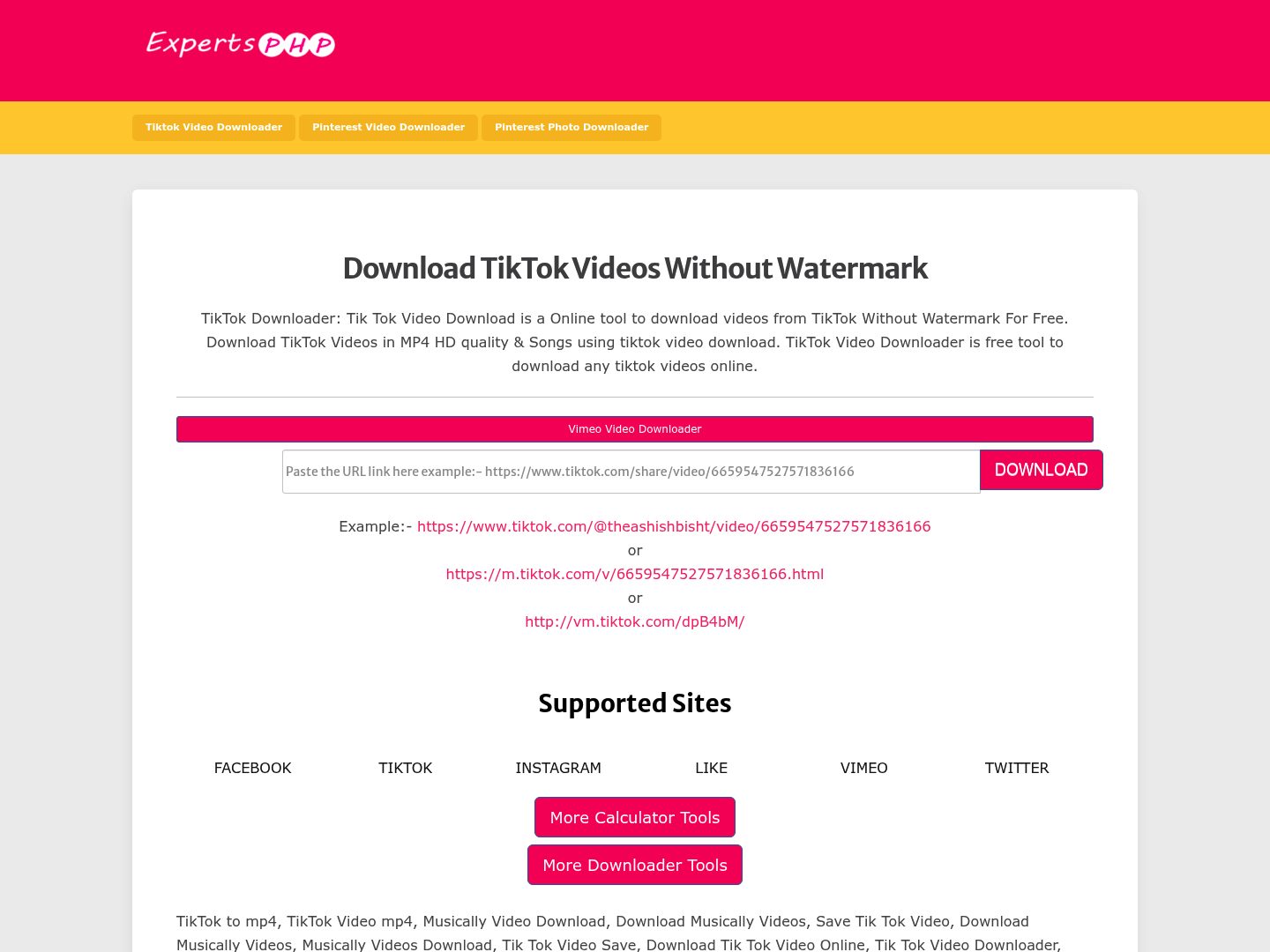
9. ExpertsPHP TikTok Downloader
ExpertsPHP is a more niche browser-based option, but it is still relevant because it surfaces clearly around TikTok downloading and offers a simple web-based experience. This makes it useful as an alternative for users who want another searchable option to test when mainstream names are crowded or inconsistent.
Key Features:
- Simple online TikTok downloader page
- No install requirement
- Useful alternative option
- Easy to test quickly
- Works as a secondary browser choice
Safety Rating: Medium
Supported Formats: Web-based downloader outputs
Max Quality: Good for casual use
Step-by-Step Guide:
Step 1: Open ExpertsPHP TikTok Downloader.
Step 2: Paste the TikTok URL.
Step 3: Start the page’s download process.
Step 4: Save the MP3 output if available.
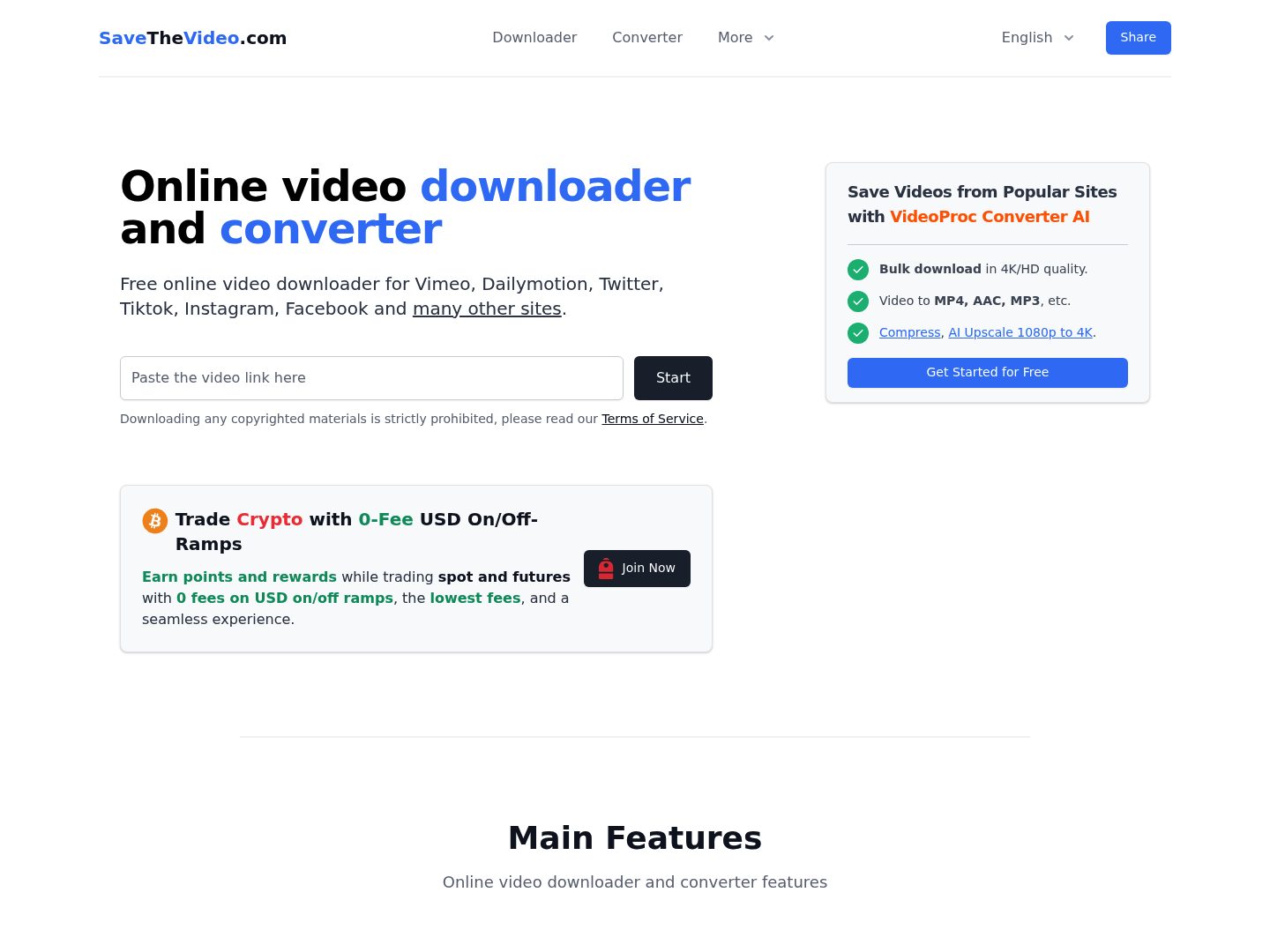
10. SaveTheVideo
SaveTheVideo is broader than a pure TikTok downloader, but that wider platform support can be useful for users who regularly save media from multiple sites and want a unified online workflow. In a TikTok-to-MP3 context, it is best viewed as a flexible multi-source option rather than a TikTok-specialist tool.
Key Features:
- Multi-site online downloader workflow
- Useful for users handling more than TikTok
- No local installation needed
- Broader media support than TikTok-only tools
- Convenient browser access
Safety Rating: Medium
Supported Formats: Downloader and converter style outputs
Max Quality: Good for mixed-source use
Step-by-Step Guide:
Step 1: Open SaveTheVideo.
Step 2: Paste the TikTok URL.
Step 3: Choose the appropriate save or conversion flow.
Step 4: Download the MP3 file.
Part 4. Quick Comparison of TikTok to MP3 Downloaders
| Tool | Device Type | Best For | Ease of Use | Setup Needed | Audio Workflow | Main Strength | Main Limitation |
| Wondershare UniConverter | Desktop | Repeat audio workflows | Easy (after setup) | Installation required | Strong | Broad media and audio workflow | Requires installation |
| 4K Video Downloader | Desktop | Cleaner local downloading | Easy (after setup) | Installation required | Good | Predictable desktop workflow | Less audio-specialized |
| SnapDownloader | Desktop | Frequent local use | Easy (after setup) | Installation required | Good | Organized local workflow | Heavier than browser tools |
| VideoProc Converter AI | Desktop | Conversion flexibility | Easy (after setup) | Installation required | Strong | Broad format handling | More than casual users may need |
| SaveTT | Online | Quick no-install saves | Very easy | No installation | Good | Convenient browser access | Limited deeper control |
| SSSTik | Online | Beginner-friendly use | Very easy | No installation | Good | Simple direct workflow | Depends on site availability |
| TikTokio | Online | Lightweight alternative | Very easy | No installation | Good | Easy backup option | Limited feature depth |
| MusicalDown | Online | Casual audio saving | Very easy | No installation | Good | Strong TikTok-focused tool | Less robust than desktop tools |
| ExpertsPHP TikTok Downloader | Online | Secondary alternative | Easy | No installation | Good | Useful backup option | Less established brand |
| SaveTheVideo | Online | Multi-platform downloading | Easy | No installation | Good | Broad platform support | Less TikTok-specialized |
Part 5. Troubleshooting TikTok to MP3 Downloads
The Link Is Accepted but No Audio File Appears
This usually happens when the page flow is unstable, the service is temporarily overloaded, or the downloader supports video more cleanly than audio in that moment. If that happens, try another browser-based option or switch to a desktop tool that offers better conversion control.
The MP3 Sounds Worse Than Expected
Audio quality depends heavily on the original TikTok source and the way the tool processes it. If the MP3 sounds thin or over-compressed, try a more capable desktop converter rather than repeating the same online workflow over and over.
The Site Keeps Redirecting or Reloading
Browser tools can behave inconsistently because of ads, regional variations, or temporary site changes. When a page loops, stalls, or loads the wrong version, refreshing once or trying another verified tool is usually faster than forcing the same one to work.
I Need a More Repeatable Workflow
If you save TikTok audio often, lightweight browser tools stop feeling efficient pretty quickly. That is the point where a desktop option like UniConverter or VideoProc tends to make more sense because it gives you a steadier environment and better local file management.
Part 6. Legal Concerns When Using TikTok to MP3 Downloaders
Copyright and Intellectual Property Rights
When using TikTok to MP3 downloader tools, one of the primary legal concerns is copyright infringement. Most TikTok videos contain audio that is either owned by the creator or licensed from third parties, such as music labels. Downloading and converting this audio without proper authorization may violate copyright laws, especially if the content is reused, redistributed, or monetized. Even if a tool allows easy extraction, it does not grant legal permission to use the audio beyond personal consumption. Always verify whether the content is royalty-free or explicitly permitted for reuse.
Platform Terms of Service Violations
Another important consideration is TikTok’s Terms of Service. TikTok generally restricts downloading, copying, or redistributing content without permission. Using third-party tools to extract MP3 files may breach these terms, potentially leading to account penalties or restrictions. While enforcement varies, users should be aware that bypassing platform limitations can carry risks.
Personal Use vs. Commercial Use
The distinction between personal and commercial use is critical. Downloading audio for private listening is less likely to raise legal issues, but using it in business projects, marketing, or public distribution without proper licensing can result in legal disputes. To stay compliant, consider using officially licensed music libraries or obtaining permission from the original creator before using any downloaded audio.
Conclusion
If you only need a quick TikTok to MP3 downloader for occasional use, SaveTT, SSSTik, TikTokio, MusicalDown, and similar browser tools are the fastest to open and try. If you expect to save TikTok audio more than once in a while, Wondershare UniConverter is the strongest overall choice in this list because it gives you a more dependable desktop workflow and better control over the files after download. VideoProc Converter AI is also a strong option when conversion flexibility matters.
