
Saving one TikTok clip is easy. Saving twenty clips from a trend watchlist, creator reference folder, or campaign archive is where the workflow starts to break down. A good TikTok bulk downloader reduces repeated copying, keeps files more organized, and makes it easier to process multiple clips in one sitting.
To make this roundup practical, we focused on tools that help with repeated saving sessions, work across device types, and offer a balance between speed, quality, and file control. Desktop tools still lead for heavier jobs, but browser and mobile workflows can still be useful in the right situation.
Key Takeaways
- Desktop apps are still the strongest option for heavier TikTok download sessions.
- Web tools are fastest to start, but usually weaker on control and consistency.
- Phone workflows are convenient, though file organization matters more there.
- The best tool depends on whether you value speed, quality, or repeatability most.
In this article
- How We Test These TikTok Downloaders
- 4 Recommended Desktop TikTok Downloaders
- 3 Online TikTok Downloaders
- 3 Mobile-Friendly TikTok Download Workflows
- Quick Comparison of TikTok Downloaders
- Troubleshooting TikTok Downloads
- How to Choose the Right TikTok Bulk Downloader for Your Workflow
- Conclusion
- FAQs
Part 1. How We Test These TikTok Downloaders
We tested these TikTok downloader options against the things real users notice first: how quickly they process public clip links, whether they stay stable during repeated use, how easy it is to save files in practical formats, and whether the overall workflow feels manageable on desktop, web, or mobile.
Testing Criteria
- Download speed and session stability
- Output format flexibility, especially MP4 and MP3
- General file quality and consistency
- Ease of use for ordinary users
- Ad load, redirects, and trust signals
Part 2. 4 Recommended Desktop TikTok Downloaders
Desktop software is still the easiest place to handle larger TikTok download sessions. It usually gives you cleaner queues, better folder control, and more dependable output settings than browser-only tools.
Tool 1. Wondershare UniConverter
Wondershare UniConverter is still the most rounded desktop option in this list for users who want a TikTok downloader that can also handle conversion, cleanup, and repeated saving sessions. It makes more sense than lightweight browser tools when you need cleaner local file management, steadier repeat use, and flexible exports after the download is finished.

Key Features:
- Batch-oriented desktop workflow
- Built-in conversion tools
- Useful output presets for devices
- Works on Windows and Mac
- Good fit for repeated TikTok saving sessions
Safety Rating: High – established commercial desktop software
Supported Formats: MP4, MP3, MOV, AVI, WAV, and more
Max Quality: Up to 8K conversion support depending on source
Steps to save TikTok videos with Wondershare UniConverter
Step 1: Open the Downloader module and paste your TikTok links.
Step 2: Choose the format or preset that matches your device.
Step 3: Start the queue and save the finished files to your local folder.

TikTok Bulk Downloader for Faster Multi-Clip Saving
Tool 2. 4K Video Downloader Plus
4K Video Downloader Plus is a practical pick for users who want a stable desktop TikTok downloader with fewer distractions. The interface is easier to learn than many all-in-one suites, and it works well when your main goal is simply collecting and saving clips in a predictable way.

Key Features:
- Simple desktop workflow
- Clear quality and format selection
- Helpful for repeated copy-paste jobs
- Good local save control
- Windows and Mac support
Safety Rating: High – long-running desktop vendor
Supported Formats: MP4, MKV, MP3, OGG
Max Quality: Up to 4K and higher where available
How to use 4K Video Downloader Plus
Step 1: Copy the TikTok URL and paste it into the app.
Step 2: Select quality and output settings.
Step 3: Save the file locally and review the completed queue.
Tool 3. SnapDownloader
SnapDownloader is a stronger fit for people who care about queue management and speed during heavier download sessions. It gives you a more structured desktop environment than browser tools and feels more manageable when you need to save multiple TikTok clips over time.

Key Features:
- Queue-focused desktop design
- Batch processing support
- Scheduled download capability
- Flexible export options
- Useful for longer sessions
Safety Rating: High – established desktop product
Supported Formats: MP4, MP3, AVI, AAC, WAV
Max Quality: Up to 8K on supported sources
How to download with SnapDownloader
Step 1: Paste one or more TikTok URLs into SnapDownloader.
Step 2: Choose output format and queue order.
Step 3: Start the job and let the app finish the batch.
Tool 4. VideoProc Converter AI
VideoProc Converter AI makes sense for users who want to do more after the download is finished. If your TikTok workflow includes conversion, compression, or moving files onto different devices, its broader toolset becomes useful.

Key Features:
- Downloader plus conversion workflow
- Compression and codec tools
- GPU-assisted processing
- Useful device presets
- Strong for post-download cleanup
Safety Rating: High – known desktop application
Supported Formats: MP4, MOV, MKV, MP3, AAC
Max Quality: Up to 4K+ depending on source
How to use VideoProc Converter AI
Step 1: Add the TikTok link in the downloader section.
Step 2: Pick output quality or convert format.
Step 3: Save the file and export it in the version you actually need.
Part 3. 3 Online TikTok Downloaders
Online TikTok downloaders make sense when you care more about convenience than long-session control. They are often the quickest way to turn a public TikTok link into a saved file without installing software.
Tool 1. SaveTT
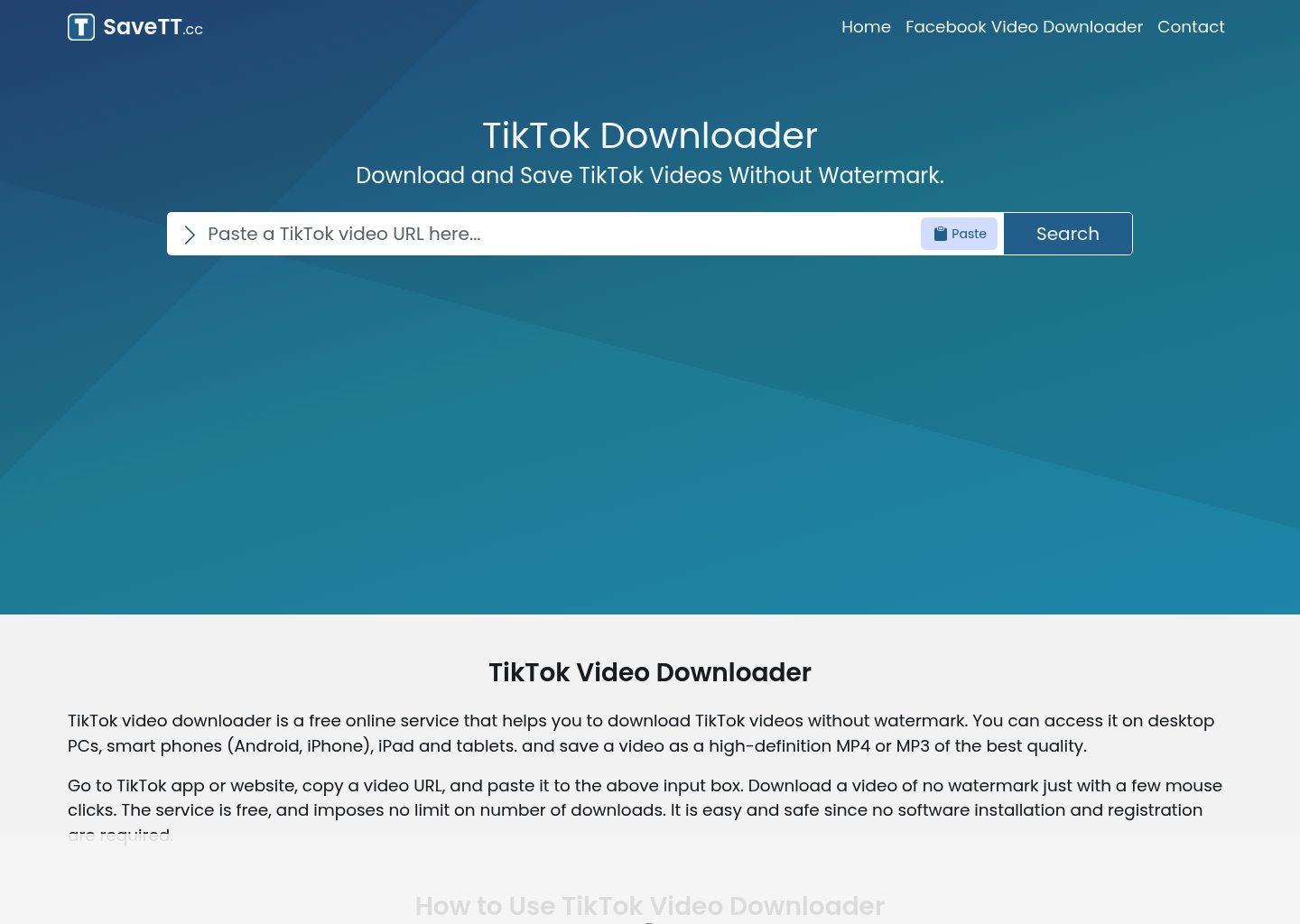
SaveTT is a simple browser-based TikTok downloader for users who mostly care about speed and low setup friction. Paste the link, wait for processing, and save the result. It is not as organized as a desktop app, but it is still useful for quick sessions on laptops, tablets, or phones.
Key Features:
- Fast link-based workflow
- No installation required
- Works across devices
- Simple homepage layout
- Useful for one-off saves
Safety Rating: Medium – free browser tool with normal ad caution
Supported Formats: MP4 and source-dependent audio options
Max Quality: Usually HD when source allows
How to use SaveTT
Step 1: Paste the TikTok URL into SaveTT.
Step 2: Let the site generate download options.
Step 3: Save the version you want to your device.
Tool 2. SSSTik
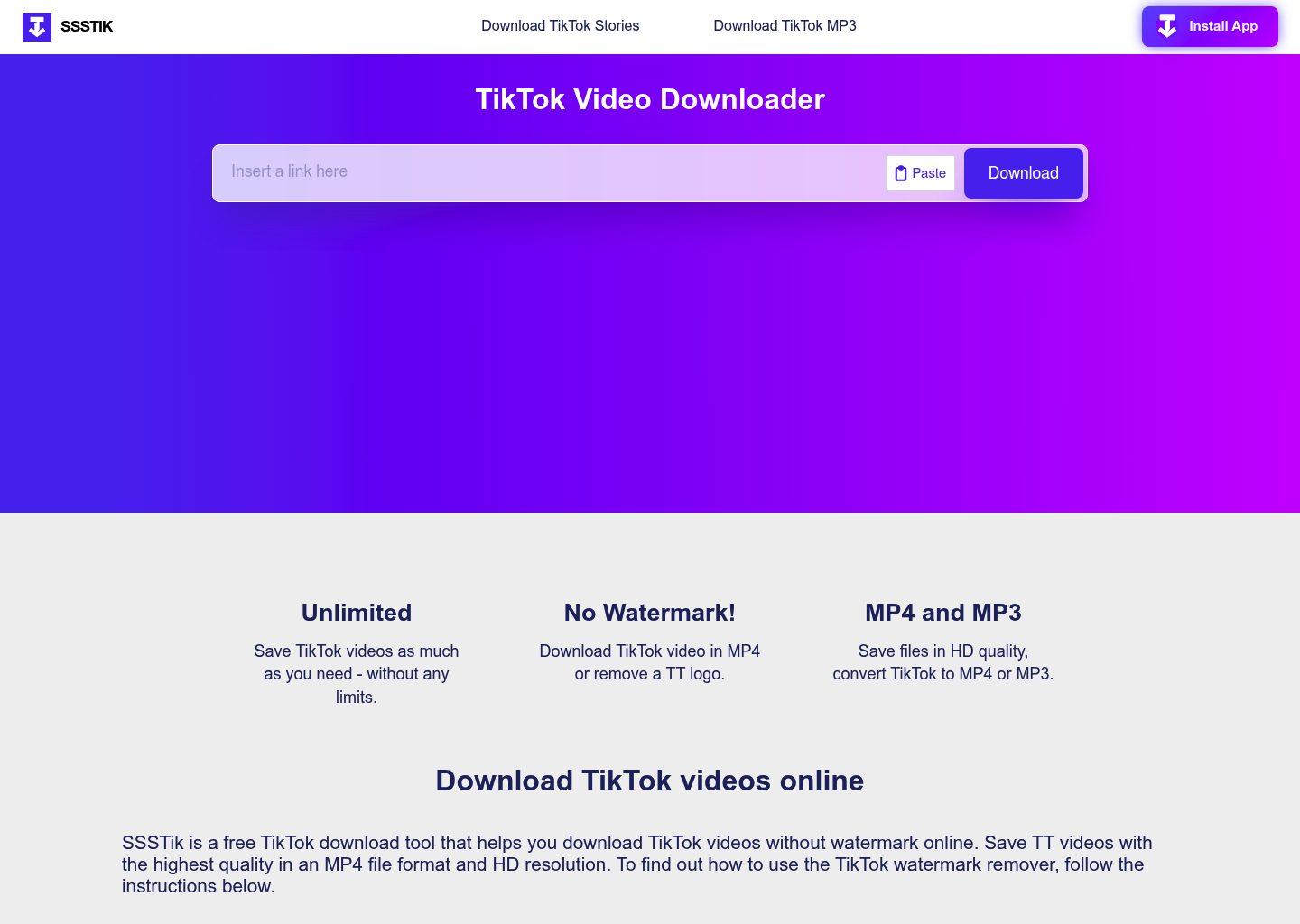
SSSTik remains one of the most familiar online TikTok downloaders, and that familiarity matters when you just want a tool that is easy to recognize and easy to use. It works best for quick downloads, casual saving, and device-agnostic access through a browser.
Key Features:
- Recognizable web interface
- Quick parsing flow
- Works in mobile and desktop browsers
- Common choice for casual users
- No app install
Safety Rating: Medium – standard caution for free online downloaders
Supported Formats: MP4, MP3 in some modes
Max Quality: Up to HD depending on source
How to use SSSTik
Step 1: Paste your TikTok URL into SSSTik.
Step 2: Wait while the link is processed.
Step 3: Download the file version you need.
Tool 3. ExpertsPHP TikTok Downloader
ExpertsPHP TikTok Downloader is a more lightweight browser option that suits users who want a direct TikTok downloader page without installing anything. It is best treated as a convenience tool rather than a full workflow system, but for quick saves and simple testing, it is still handy.

Key Features:
- Direct TikTok downloader page
- Very lightweight access
- No install required
- Works from a browser
- Simple paste-and-save flow
Safety Rating: Medium – browser tool, so users should stay alert to layout changes
Supported Formats: MP4 and source-dependent outputs
Max Quality: Source-dependent HD output
How to use ExpertsPHP TikTok Downloader
Step 1: Open the tool page and paste the TikTok link.
Step 2: Let the page process the request.
Step 3: Save the generated file to your device.
Part 4. 3 Mobile-Friendly TikTok Download Workflows
Mobile saving is more about convenience than heavy batch control. These apps and workflows are useful when your main goal is to save TikTok clips on iPhone or Android, then organize them locally or share them elsewhere.
Tool 1. Documents by Readdle
Documents by Readdle is not a dedicated TikTok downloader by itself, but it is one of the most practical iPhone workflows for users who want better control over saved files. It works well as a companion browser-and-file-manager setup when you need to download TikTok clips and organize them cleanly on iOS.
Key Features:
- Trusted iPhone file workflow
- Built-in browser tools
- Local folder organization
- Easy export to other apps
- Good for manual save workflows
Safety Rating: High – reputable App Store product
Supported Formats: Depends on the companion downloader used
Max Quality: Source-dependent
How to use Documents by Readdle in a TikTok workflow
Step 1: Open the built-in browser and visit the TikTok downloader you want to use.
Step 2: Paste the TikTok link and process the file.
Step 3: Save the finished clip into your chosen folder.
Tool 2. Snaptube
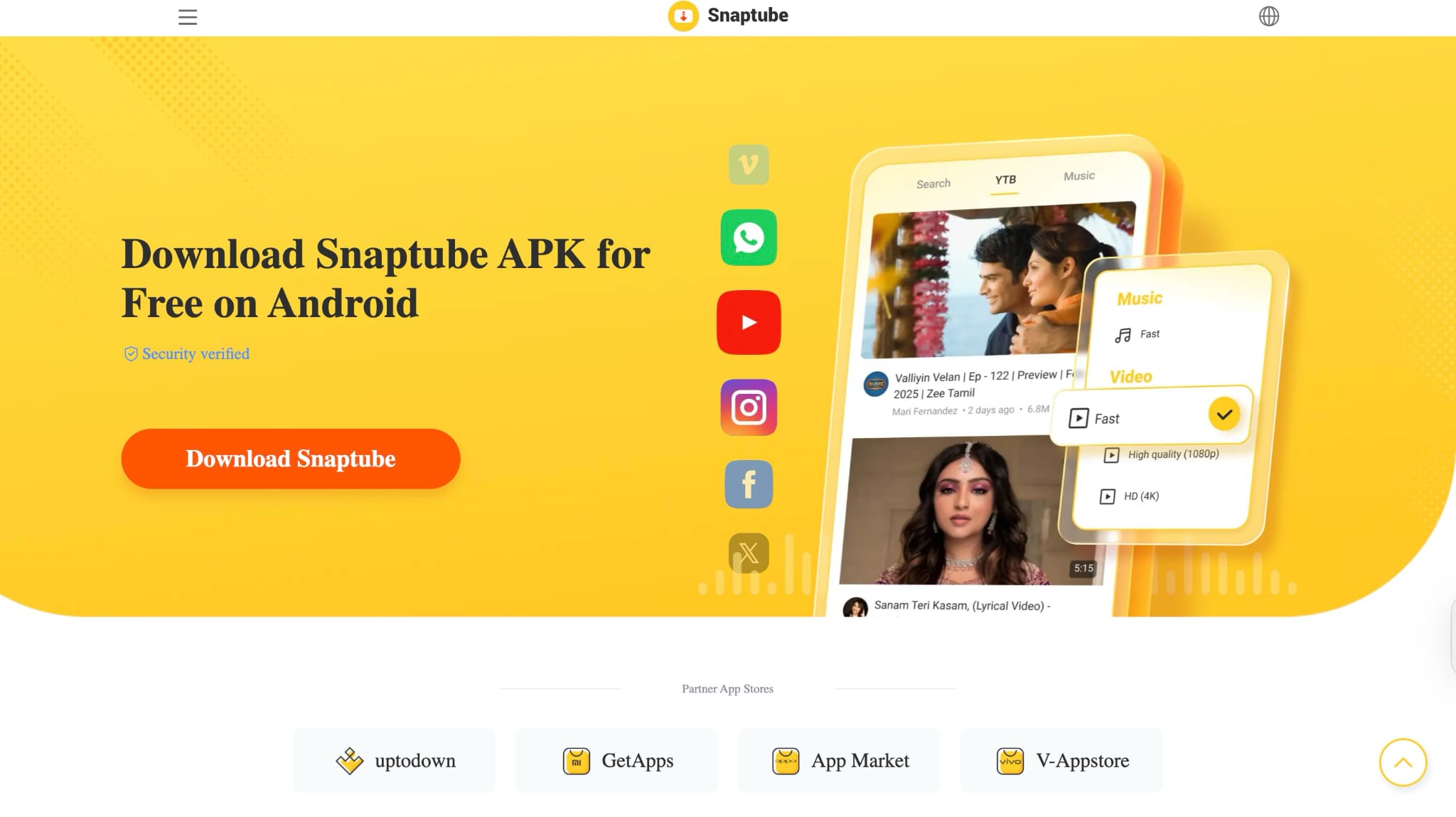
Snaptube is a familiar Android-first saving tool for people who want a more direct mobile workflow. It is convenient when your main goal is to save TikTok content on a phone instead of moving to desktop software.
Key Features:
- Android-oriented saving workflow
- Flexible output choices
- Convenient in-app flow
- Useful for repeated mobile saves
- Broader media-saving utility
Safety Rating: Medium to High – popular, but users should install only from official sources
Supported Formats: MP4, MP3 and source-dependent outputs
Max Quality: Varies by selected export
How to use Snaptube for TikTok downloads
Step 1: Open Snaptube and paste or find the TikTok link.
Step 2: Choose video or audio output.
Step 3: Save the file directly to your phone.
Tool 3. Total Files
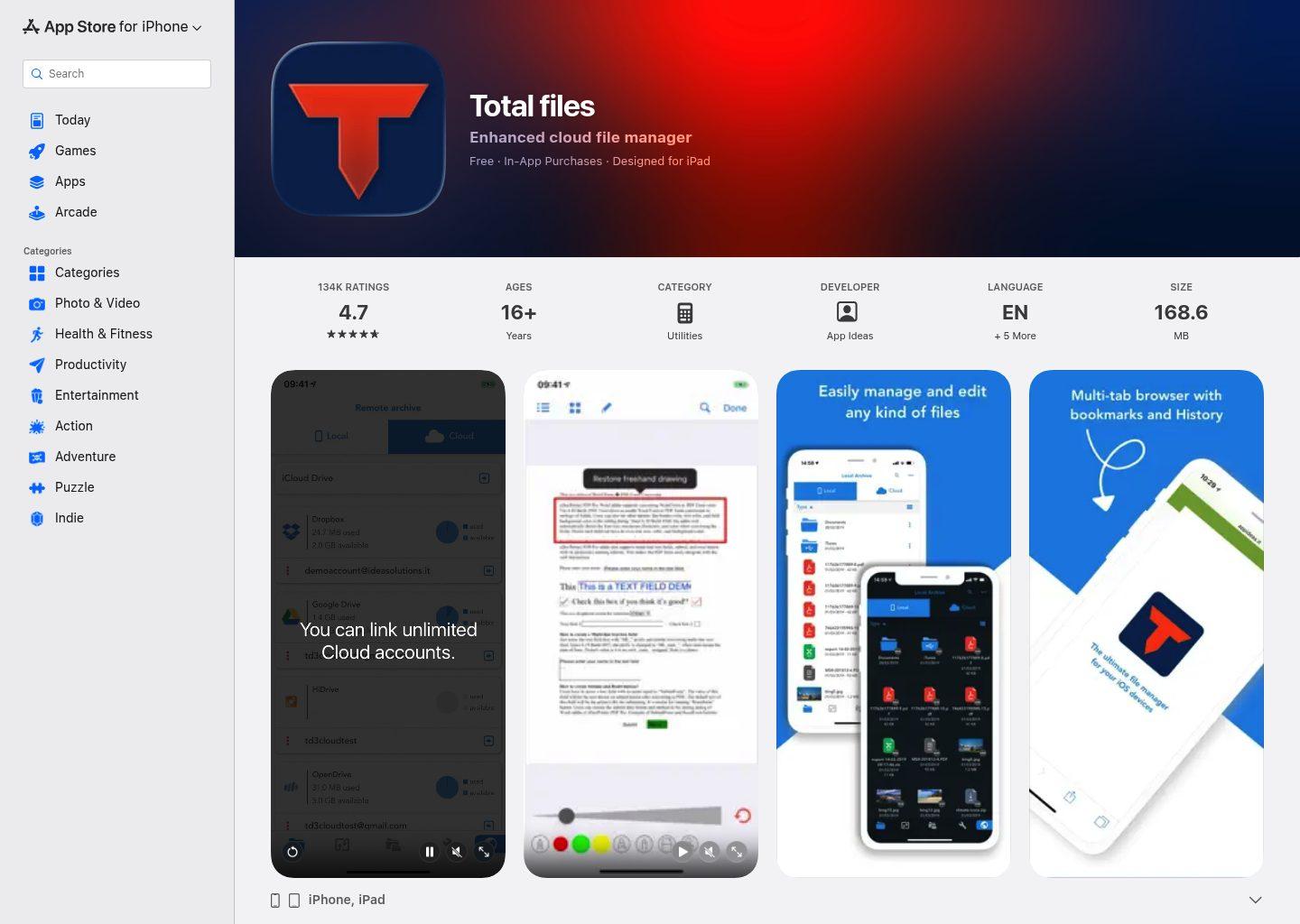
Total Files is another practical iPhone-friendly workflow for users who want browser-based downloading plus better local file handling. It is more manual than a one-tap downloader app, but that trade-off often gives you more control over where the finished TikTok file actually ends up.
Key Features:
- Browser plus file manager workflow
- Folder-based organization
- Supports manual save flows
- Good local storage control
- Helpful companion for iPhone use
Safety Rating: High – distributed through the App Store
Supported Formats: Depends on the web downloader used
Max Quality: Source-dependent
How to use Total Files in a TikTok save workflow
Step 1: Open a compatible TikTok downloader in the built-in browser.
Step 2: Paste the TikTok link and save the finished file.
Step 3: Move the file into the folder structure you want on iPhone.
Part 5. Quick Comparison of TikTok Downloaders
|
Tool |
Best For |
Device Type |
Main Strength |
Main Trade-Off |
|
Wondershare UniConverter |
repeated downloading sessions |
Windows/Mac |
all-in-one workflow |
paid features |
|
4K Video Downloader Plus |
clean desktop saves |
Windows/Mac |
stable desktop experience |
premium upsell |
|
SnapDownloader |
bulk queue management |
Windows/Mac |
organized batch workflow |
paid long-term use |
|
VideoProc Converter AI |
post-download conversion |
Windows/Mac |
downloader plus processing |
broader suite than some need |
|
SaveTT |
quick browser access |
Web |
speed and simplicity |
fewer controls |
|
SSSTik |
fast casual downloading |
Web |
easy access |
ads may interrupt use |
|
ExpertsPHP TikTok Downloader |
lightweight browser workflow |
Web |
low setup friction |
less depth than desktop tools |
|
Documents by Readdle |
iPhone file workflow |
iPhone |
trusted local organization |
needs companion downloader |
|
Snaptube |
Android saving |
Android |
mobile-first convenience |
availability varies |
|
Total Files |
iPhone browser workflow |
iPhone |
folder control |
more manual steps |
Part 6. Troubleshooting TikTok Downloads
- If a link fails, retry with the original public TikTok URL rather than a shortened redirect.
- If a web tool stalls, switch to another browser service or move to desktop software.
- If file quality looks weak, compare results with a desktop downloader that offers better control.
- If mobile saves feel messy, store files in a dedicated folder before moving them elsewhere.
- If a site shows aggressive redirects, stop using it instead of forcing the workflow.
Part 7. How to Choose the Right TikTok Bulk Downloader for Your Workflow
If you only save a handful of clips each week, a browser tool is usually enough. Once you start collecting reference clips, trend examples, or creator libraries in volume, desktop software becomes much easier to live with.
The best TikTok bulk downloader is usually the one that removes repeated manual steps, not simply the one that downloads one clip the fastest.
Conclusion
The best TikTok downloader is the one that fits your real workflow. Desktop apps are still the most dependable for quality, repeatability, and file control. Browser tools remain useful for quick saves. Mobile workflows are practical when convenience matters most. If you choose based on how often you save clips and where you manage them afterward, the decision becomes much easier.
FAQs
-
What is the best TikTok downloader overall?
For a balanced workflow, desktop apps usually win because they offer more stable saving, stronger file control, and fewer interruptions. -
Are online TikTok downloaders safe?
Some are usable, but free browser tools can bring ads and redirects. If a site feels messy, switch tools instead of forcing it. -
Which TikTok downloader is best for iPhone?
Documents by Readdle and Total Files are practical iPhone-friendly workflows because they help you manage saved files more cleanly. -
Which TikTok downloader is best for Android?
Snaptube is one of the more convenient Android-oriented options for users who prefer a phone-first workflow. -
When should I use desktop software instead of a web tool?
Use desktop software when you download often, need better organization, care about format options, or want a smoother long-session experience.
