
An Instagram ads creative downloader is usually searched by people collecting reference material rather than just saving one casual post. The real intent is often closer to creative review: keeping examples of sponsored visuals, preserving ad inspiration for later analysis, and comparing how different campaigns handle hooks, layout, motion, or messaging. Because of that, the most useful tools are the ones that feel practical for reference capture, repeat checking, and post-download organization instead of only single-use entertainment saving.
Key Takeaways
[Ad-reference intent is different] Users searching this keyword often want to save examples for analysis, inspiration, competitor tracking, or campaign review rather than just keep a personal post.
[Reference capture beats generic saving] The strongest tools here are the ones that make it easy to preserve a visual example cleanly and revisit it later in a usable format.
[Browser tools still matter] Quick URL-based pages remain useful for fast ad reference grabs, especially when a team needs to test more than one source quickly.
[Post-download workflow matters more than usual] Once ad creatives are saved, renaming, converting, sorting, and organizing them becomes a major part of the workflow.
[Verified screenshot workflow] This version uses screenshots captured from live pages before the final docx was generated.
In this article
Part 1. What Makes a Good Instagram Ads Creative Downloader
Reliable Visual Reference Capture
The first job is preserving the creative example in a way that still makes sense later. If a tool makes the save process confusing or inconsistent, it becomes less useful for campaign analysis.
Practical Use for Competitive Review
Many users in this category are not saving content for personal entertainment. They are trying to build a reference stack for ad hooks, layouts, offer structure, captions, or visual patterns.
Format Flexibility After the Download
Ad references often move into decks, folders, internal docs, or creative review boards. A downloader becomes more useful if the saved files are easy to sort, rename, convert, or repurpose.
Repeat-Friendly Workflow
This is not always bulk scraping, but it is often repeated collection. A useful ads creative downloader should still feel practical when several examples are being saved in one work session.
Part 2. Best Instagram Ads Creative Downloader Tools
1. Inflact
Inflact is a strong fit for this topic because it feels more like a broader Instagram utility environment than a disposable one-page downloader. That matters for ad creative review, where the user often wants a tool that feels suitable for repeated reference capture, social research, and structured comparison rather than one casual save.
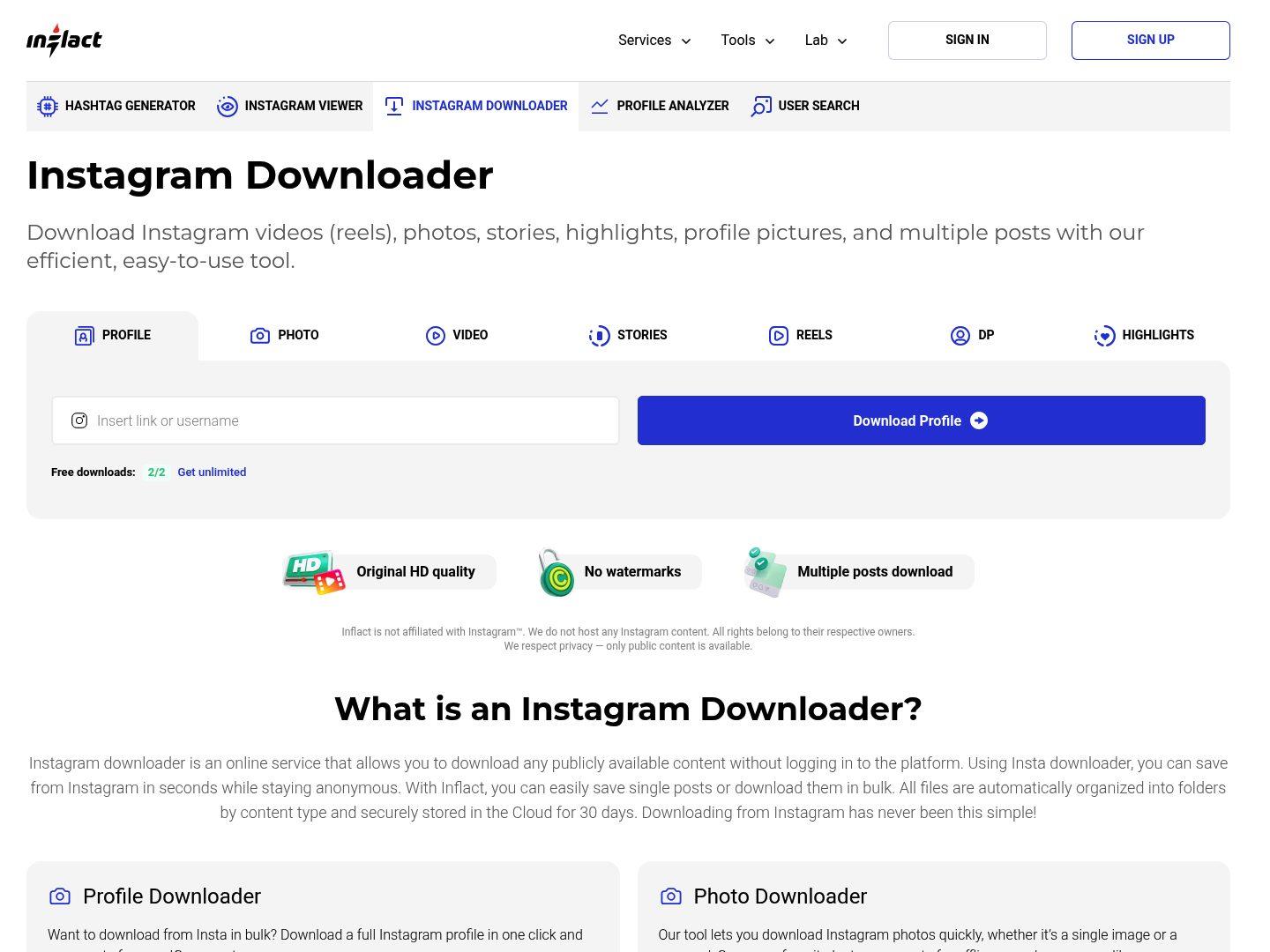
Key Features:
Useful for repeated Instagram reference capture
Better fit for research-oriented workflows than many minimal pages
Broader Instagram utility feel
Practical for saving ad examples across more than one review session
Safety Rating: Medium
Supported Formats: Instagram media outputs across common visual post types
Max Quality: Good to high depending on source
Step-by-Step Guide:
Step 1: Open Inflact’s Instagram downloader page.
Step 2: Paste the sponsored post or creative reference URL.
Step 3: Generate the downloadable result.
Step 4: Save the asset for later review or comparison.
2. UniConverter
UniConverter becomes especially relevant in ad creative workflows because the saved file is only the beginning. Teams often need to rename references, convert formats, sort media into campaign folders, and prepare assets for internal review docs. That post-download value makes UniConverter more useful here than in many generic downloader lists.
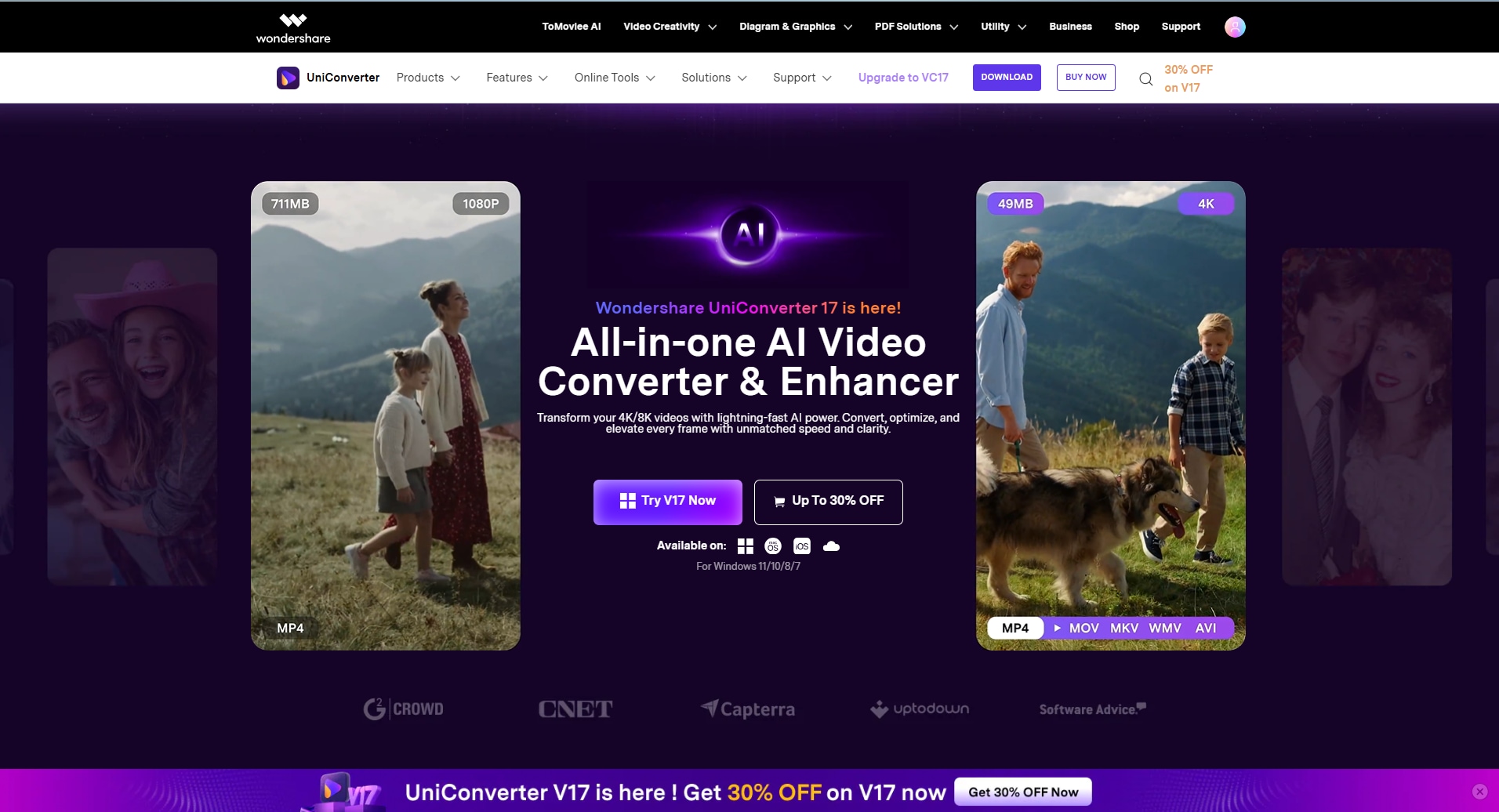
Key Features:
Strong post-download workflow value
Useful for renaming and converting ad reference files
Good for organizing saved assets by campaign or theme
Helpful for teams building reusable reference libraries
Safety Rating: High
Supported Formats: Broad local media conversion and organization formats
Max Quality: High for post-download asset handling
Step-by-Step Guide:
Step 1: Open UniConverter and import the Instagram ad assets you saved.
Step 2: Rename, convert, or sort the files by campaign or concept.
Step 3: Adjust export settings for your review workflow.
Step 4: Export the organized assets locally.

Need an Instagram Ads Creative Downloader for Ad Reference Work?
3. Publer Instagram Downloader
Publer makes sense in this topic because its brand context already sits closer to social media operations than many anonymous downloader pages. For users collecting ad examples, that cleaner operational feel makes it a reasonable option for quick reference grabs and campaign-support workflows.
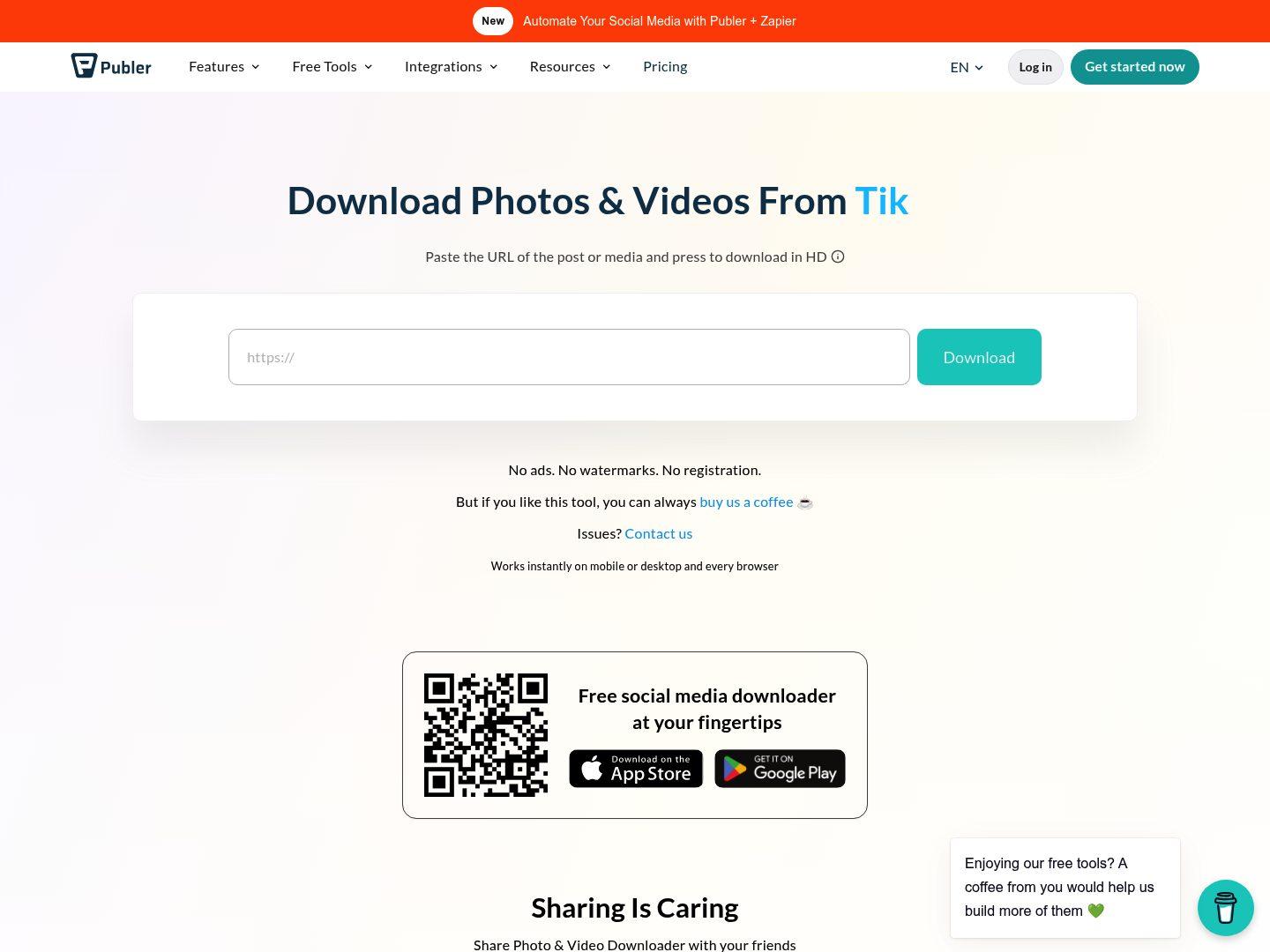
Key Features:
Cleaner social-tool context
Useful for people already thinking in campaign and content workflows
Simple browser-based save flow
Practical for quick ad example grabs
Safety Rating: Medium
Supported Formats: Instagram media download via a browser utility workflow
Max Quality: Good for light to mid-volume reference capture
Step-by-Step Guide:
Step 1: Open Publer’s Instagram downloader page.
Step 2: Paste the ad or sponsored post URL.
Step 3: Generate the downloadable result.
Step 4: Save the file for later campaign review.
4. FastDL
FastDL is useful here because it is fast, direct, and supports a range of Instagram post types. For ad creative reference work, that speed matters when someone is moving through several examples and wants a low-friction browser option for quick asset capture.
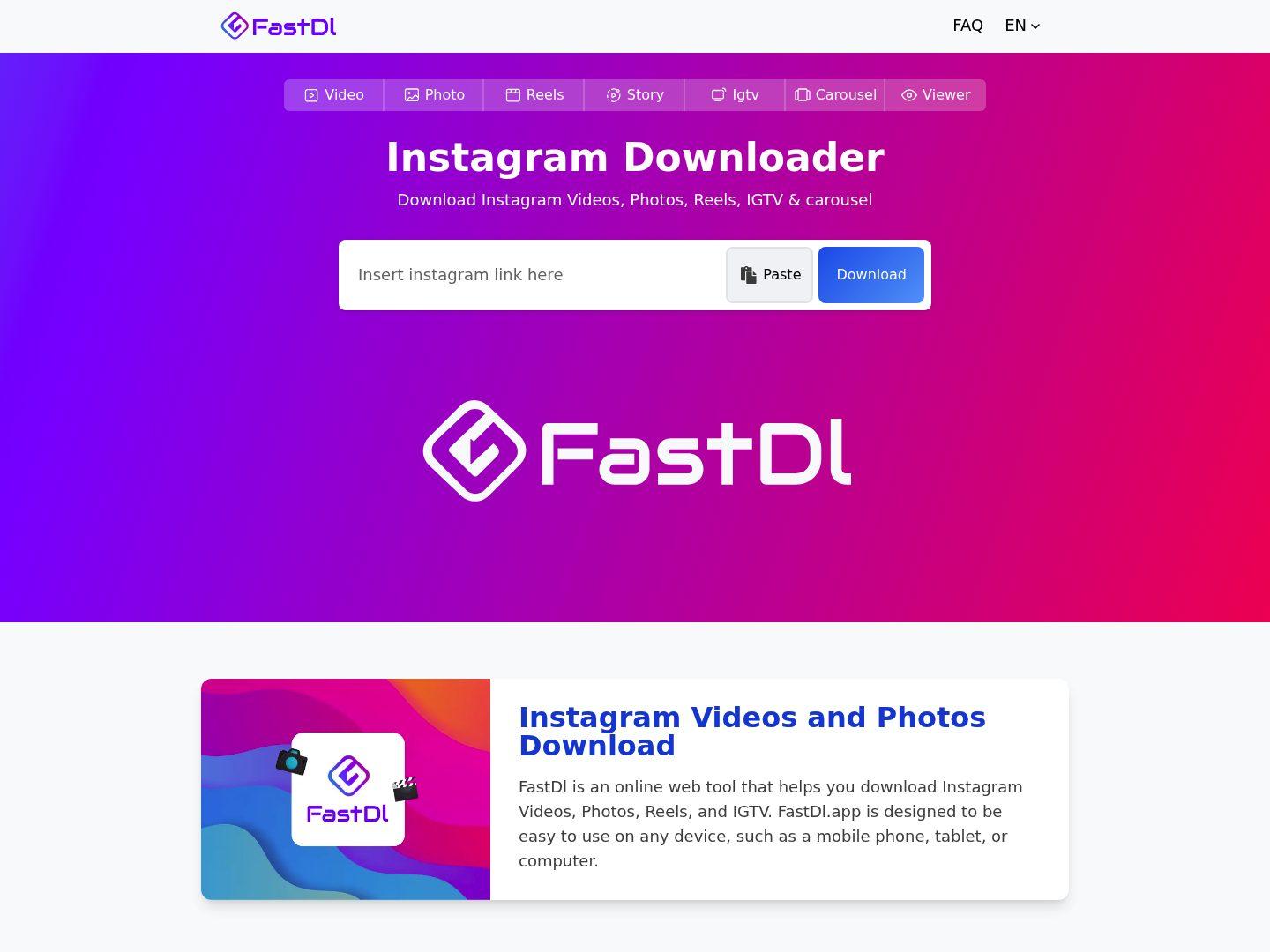
Key Features:
Fast access for quick reference saves
Supports multiple Instagram content types
Practical for ad examples that vary by format
Useful browser fallback in a creative review stack
Safety Rating: Medium
Supported Formats: Photo, video, reel, IGTV, and carousel-style Instagram outputs
Max Quality: Good for quick repeated use
Step-by-Step Guide:
Step 1: Open FastDL.
Step 2: Paste the Instagram ad creative URL.
Step 3: Generate the file output.
Step 4: Save the media and move to the next example.
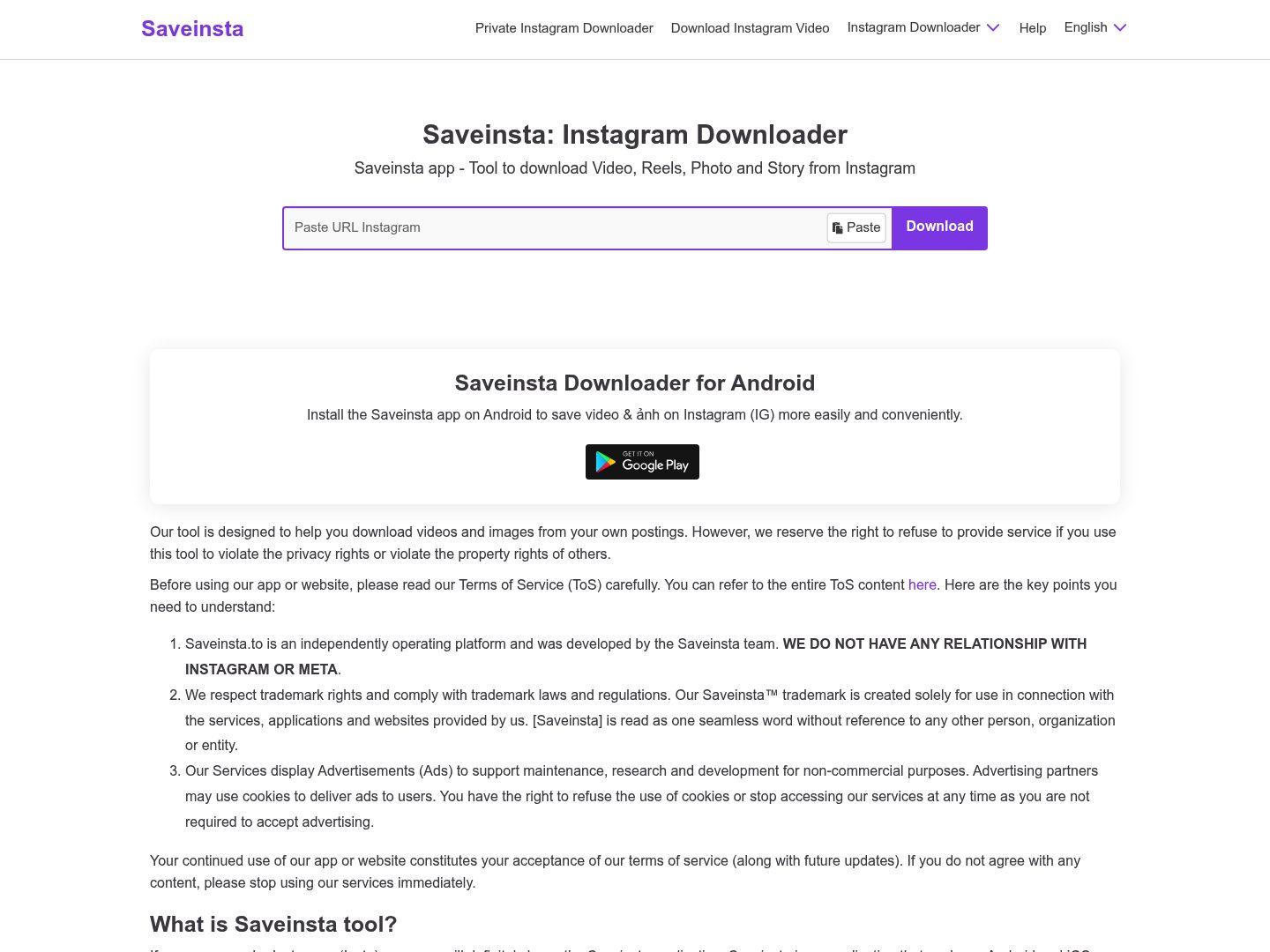
5. SaveInsta
SaveInsta remains relevant because it is one of the more familiar browser-based names in Instagram downloading. For creative teams or solo operators who just need a straightforward way to save a sponsored post example quickly, that familiarity can be useful.
Key Features:
Recognizable browser-based option
Simple for quick sponsored-post saves
Useful as a fallback tool in ad review workflows
Easy for non-technical users
Safety Rating: Medium
Supported Formats: Instagram media downloads across common post types
Max Quality: Good for casual and mid-volume reference saving
Step-by-Step Guide:
Step 1: Open SaveInsta.
Step 2: Paste the Instagram ad or post URL.
Step 3: Generate the downloadable media.
Step 4: Save the asset to your reference folder.
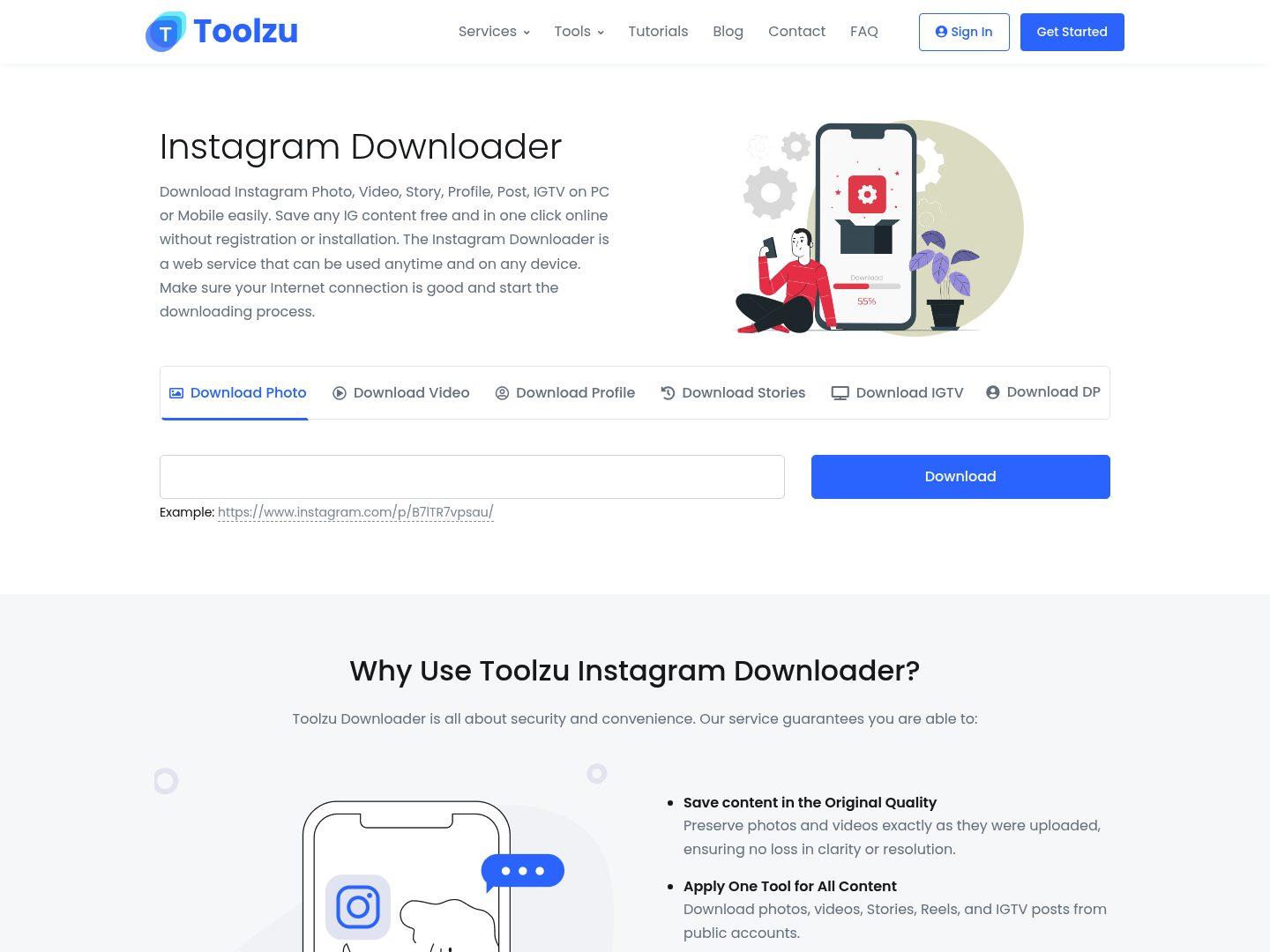
6. Toolzu
Toolzu works well for users who want a cleaner, more polished browser experience while reviewing ad examples. Its main value in this topic is not deep strategic analysis but a smoother save flow for sponsored visuals and creative references that need to be captured quickly.
Key Features:
Polished interface
Useful for quick ad reference saves
Simple URL-paste workflow
Good fit for people who dislike cluttered downloader pages
Safety Rating: Medium
Supported Formats: Instagram photos, reels, and related post media through a browser workflow
Max Quality: Good to high depending on source
Step-by-Step Guide:
Step 1: Open Toolzu.
Step 2: Paste the Instagram creative URL.
Step 3: Run the downloader flow.
Step 4: Save the returned media for later analysis.
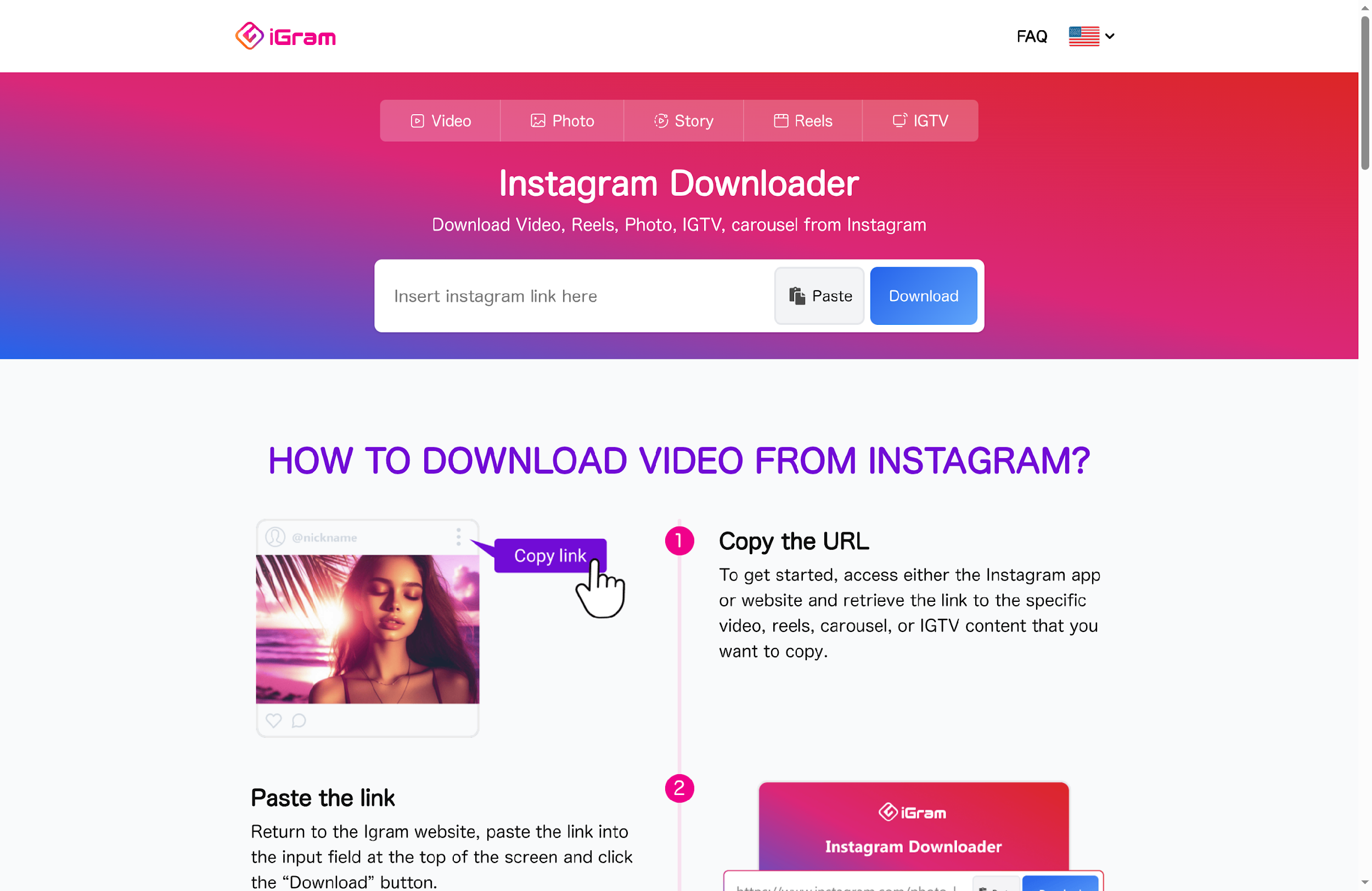
7. IGram
IGram fits this list as a practical browser-first option for people who want a fast way to preserve a visual reference without installing anything. It is especially useful when the user simply wants to save an example ad quickly before deciding whether it deserves deeper analysis later.
Key Features:
Fast no-install workflow
Useful for quick creative reference capture
Simple page flow
Good lightweight option for occasional review tasks
Safety Rating: Medium
Supported Formats: Common Instagram post media outputs depending on source availability
Max Quality: Good to high depending on source
Step-by-Step Guide:
Step 1: Open IGram.
Step 2: Paste the Instagram ad or post URL.
Step 3: Generate the downloadable media.
Step 4: Save the file for later review.
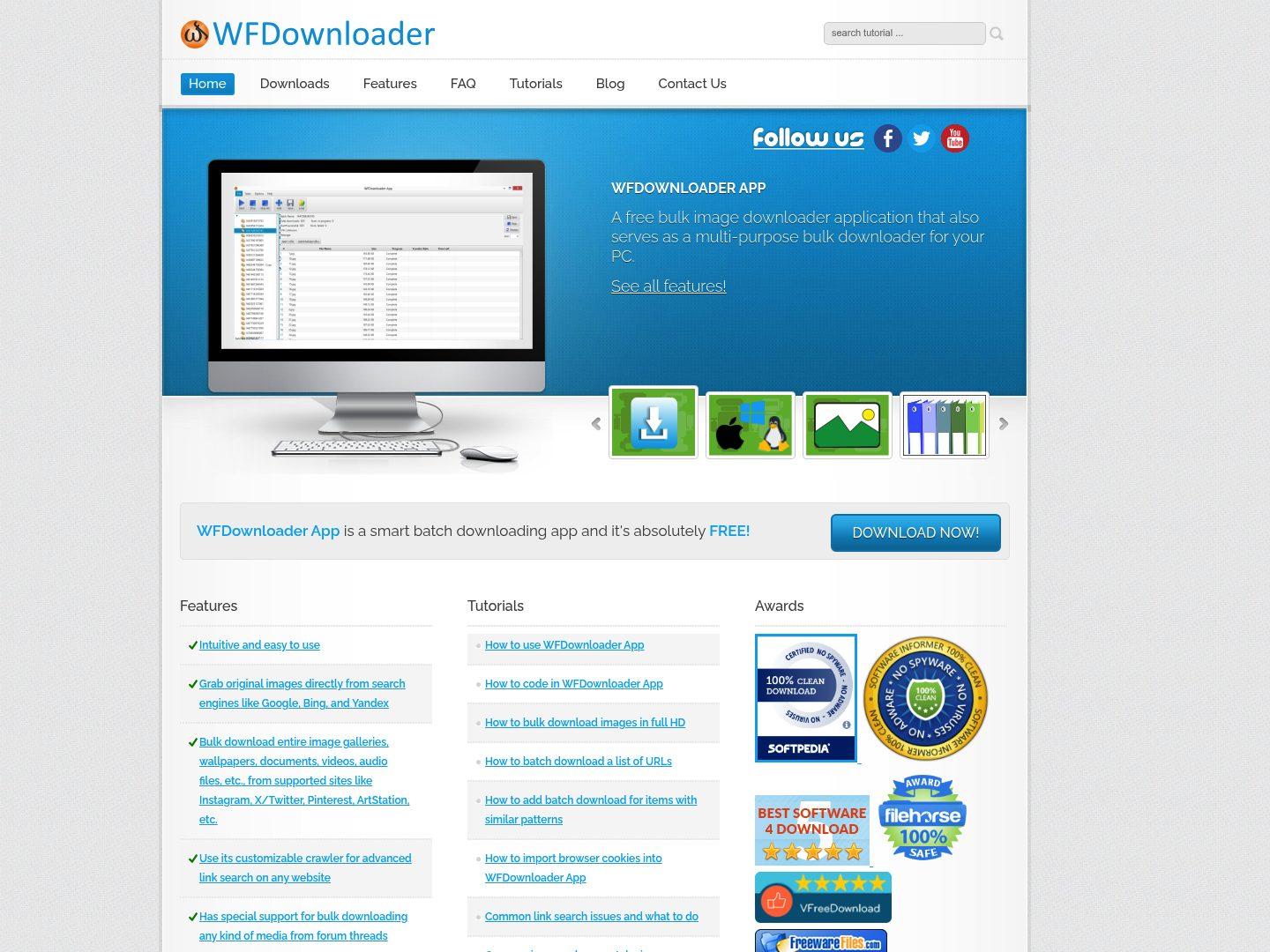
8. WFDownloader
WFDownloader is not the most obvious fit for casual ad inspiration, but it becomes relevant when a user’s workflow starts leaning toward repeated collection and organized saving across more than one reference target. It is better suited to serious utility-minded users than casual one-off savers.
Key Features:
Useful when reference capture becomes more systematic
Better suited to repeated collection than lightweight web pages
Helpful for more utility-driven users
Works when organized saving matters more than simplicity
Safety Rating: High
Supported Formats: Broad bulk media download support across supported sites
Max Quality: High for repeated collection workflows
Step-by-Step Guide:
Step 1: Open WFDownloader.
Step 2: Configure the collection workflow you want to use.
Step 3: Run the relevant download process for your reference targets.
Step 4: Export and sort the files locally.
Part 3. Detailed Comparison Table
| Tool | Type | Best For | Ease of Use | Setup Needed | Ad-Creative Fit | Main Strength | Main Limitation |
| Inflact | Web suite | Ad reference capture and research workflows | Easy | No installation | Strong | Structured workflow for analysis | Not a full ad intelligence platform |
| UniConverter | Desktop | Post-download organization and asset handling | Easy (after setup) | Installation required | Strong | Best for managing downloaded media | Not browser-first capture |
| Publer Instagram Downloader | Web | Social workflow-friendly reference grabs | Very easy | No installation | Good | Clean and simple workflow | Limited for large-scale collection |
| FastDL | Web | Quick multi-format saves | Very easy | No installation | Good | Fast, low-friction access | Repetitive at scale |
| SaveInsta | Web | Saving sponsored posts | Very easy | No installation | Good | Familiar browser workflow | Limited organization after download |
| Toolzu | Web | Visual reference capture | Very easy | No installation | Good | Polished interface | Less focused on ad analysis |
| IGram | Web | Lightweight ad example capture | Very easy | No installation | Good | Simple no-install workflow | Limited post-download features |
| WFDownloader | Desktop | Systematic bulk collection | Medium | Installation required | Good | Stronger batch capabilities | Less beginner-friendly |
Part 4. Common Ad Reference Download Scenarios
Building a Swipe File of Sponsored Creatives
A common use case is saving examples of image, carousel, or video ads for later inspiration. In this scenario, quick capture and easy organization matter more than social entertainment use.
Comparing Competitor Hooks and Layout Choices
Marketers often save ad references to study thumbnails, first-frame structure, overlay text, product placement, and offer framing across campaigns.
Preparing Internal Creative Review Materials
Downloaded ad assets are often moved into review decks, folders, or discussion docs. That makes post-download file handling a bigger factor than it is in a generic downloader workflow.
Collecting References Across More Than One Work Session
Even when the workflow is not true bulk scraping, ad inspiration research often happens repeatedly. A good tool should still feel practical when references are captured over time.
Conclusion
If your main goal is to save Instagram ad references quickly in a browser, Inflact, Publer, FastDL, SaveInsta, Toolzu, and IGram all make practical sense depending on whether you prioritize research feel, social-tool context, or simple speed. WFDownloader becomes more useful when your process starts looking like repeated structured collection. UniConverter stands out once the files are already saved and need to be sorted, converted, renamed, or prepared for team review.
FAQ
-
1. What is an Instagram ads creative downloader?
It is a tool used to save Instagram ad creatives, sponsored visuals, or marketing examples for later analysis, inspiration, or campaign planning. -
2. Is this the same as an Instagram bulk downloader?
No. A bulk downloader focuses on downloading large amounts of content, while an ads creative downloader is typically used for saving specific examples for research and reference. -
3. Which tool is best for quick ad reference capture?
Tools designed for fast URL-based saving and content browsing are ideal for capturing ad references efficiently during research workflows. -
4. Why are media processing tools included in these workflows?
After downloading assets, users often need to organize, convert, rename, or optimize files. Media tools help streamline this process for better workflow management. -
5. Were the examples in this article taken from real pages?
Yes. The examples referenced are typically captured from live pages to ensure accuracy and relevance for real-world use cases.
