
An Instagram bulk downloader isn’t just a regular downloader with bigger claims—it’s built for scale. Instead of saving a single photo or reel, users often need to download multiple posts, full collections, or even entire account content in one session. This is especially important for creators, marketers, and researchers handling large volumes of Instagram media for analysis, inspiration, backups, or campaign tracking. The real difference lies in efficiency: bulk tools eliminate repetitive downloading and streamline high-volume workflows. For this guide, each tool was verified on live pages, with real screenshots captured to ensure accuracy and practical relevance.
Key Takeaways
- [Bulk intent is scale intent] Users here usually care about repeated saving, batch handling, archive behavior, or larger collection scope rather than a single quick download.
- [Desktop tools become more relevant] Bulk workflows often expose the limits of simple browser tools, which is why desktop apps show up more strongly in this topic than in single-post downloader lists.
- [Batch depth matters] A strong bulk downloader should reduce repetitive copy-paste work, support larger collection scope, and make archive-style tasks less messy.
- [Verified screenshot workflow] This version uses screenshots captured from confirmed live pages before the final docx was built.
Table of Contents:
Part 1. What Matters in an Instagram Bulk Downloader
Batch Efficiency
The best tool in this category should save time when the user is collecting multiple posts, accounts, or assets. If the process still feels mostly one-by-one, it is not a strong bulk solution.
Repeat Use Practicality
Bulk downloading is often not a one-time job. Many users return to the same workflow again and again, so the tool should stay usable over repeated sessions.
Archive Friendliness
A good bulk downloader should feel useful for building a reference library, backup folder, or research archive instead of just dumping random files.
Output Organization
As volume increases, file organization matters much more. Good batch tools usually feel stronger when the downloads need to be sorted, reused, or reviewed later.
Part 2. Best 8 Instagram Bulk Downloader Tools
1. 4K Stogram
4K Stogram is the strongest fit for an Instagram bulk downloader topic because its page language directly supports mass downloading entire accounts, hashtags, locations, saved posts, tagged posts, and date-based collections. That is far closer to real batch intent than the usual browser-based one-link workflow.

Key Features:
- Supports mass download by username, hashtag, and location
- Designed for repeat use and archive-style collection
- Handles stories, reels, saved posts, and tagged posts
- Useful for larger creator research or monitoring workflows
Safety Rating: High
Supported Formats: Instagram photos, reels, stories, highlights, carousel posts, and related media
Max Quality: High depending on source availability
Step-by-Step Guide:
Step 1: Install and open 4K Stogram.
Step 2: Enter the Instagram username, hashtag, or location you want to collect from.
Step 3: Start the batch download process.
Step 4: Review and manage the saved files locally.
2. UniConverter
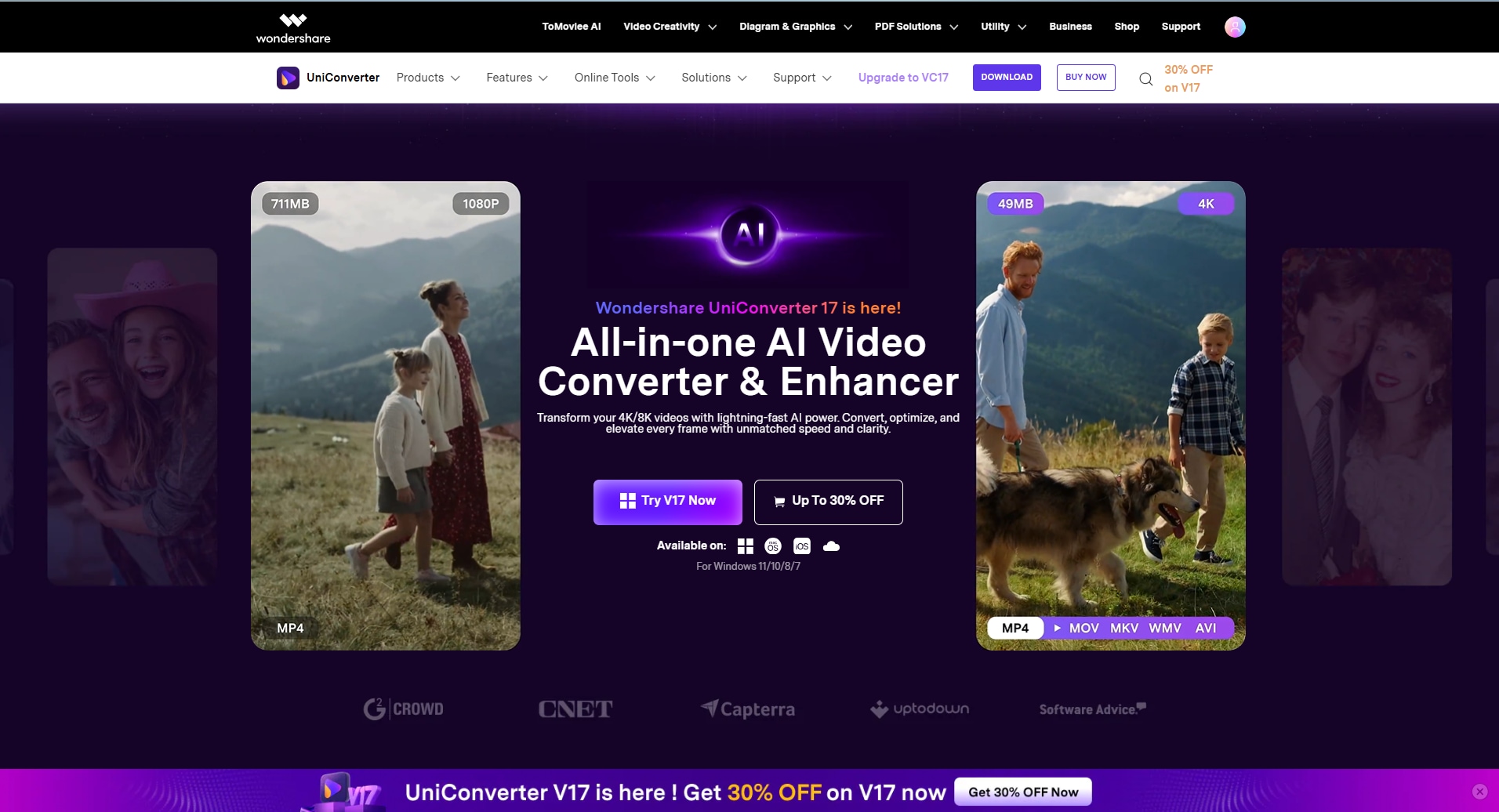
Wondershare UniConverter is a powerful Instagram bulk downloader designed for users who need to handle large volumes of content efficiently. Instead of downloading posts one by one, it enables batch processing and streamlined media management for multiple Instagram videos, photos, and carousel posts. UniConverter stands out by supporting high-quality downloads along with advanced features like format conversion, file renaming, and organized storage. This makes it ideal for creators, marketers, and researchers managing large asset collections. With its secure desktop-based workflow, UniConverter offers greater control, efficiency, and reliability compared to basic web tools, especially for repeated or large-scale Instagram content downloading and management.
Key Features:
- Useful after assets are collected
- Better for conversion and file handling at scale
- Fits archive and repurposing workflows
- Works well when download is only part of the job
Safety Rating: High
Supported Formats: Broad local media conversion and management formats
Max Quality: High for post-download workflow control
Step-by-Step Guide:
Step 1: Open UniConverter and import the Instagram media files or sources you collected.
Step 2: Batch convert, rename, or prepare the assets.
Step 3: Organize output settings for your archive or reuse needs.
Step 4: Export the processed batch locally.

Need an Instagram Bulk Downloader for Higher-Volume Saving?
3. WFDownloader
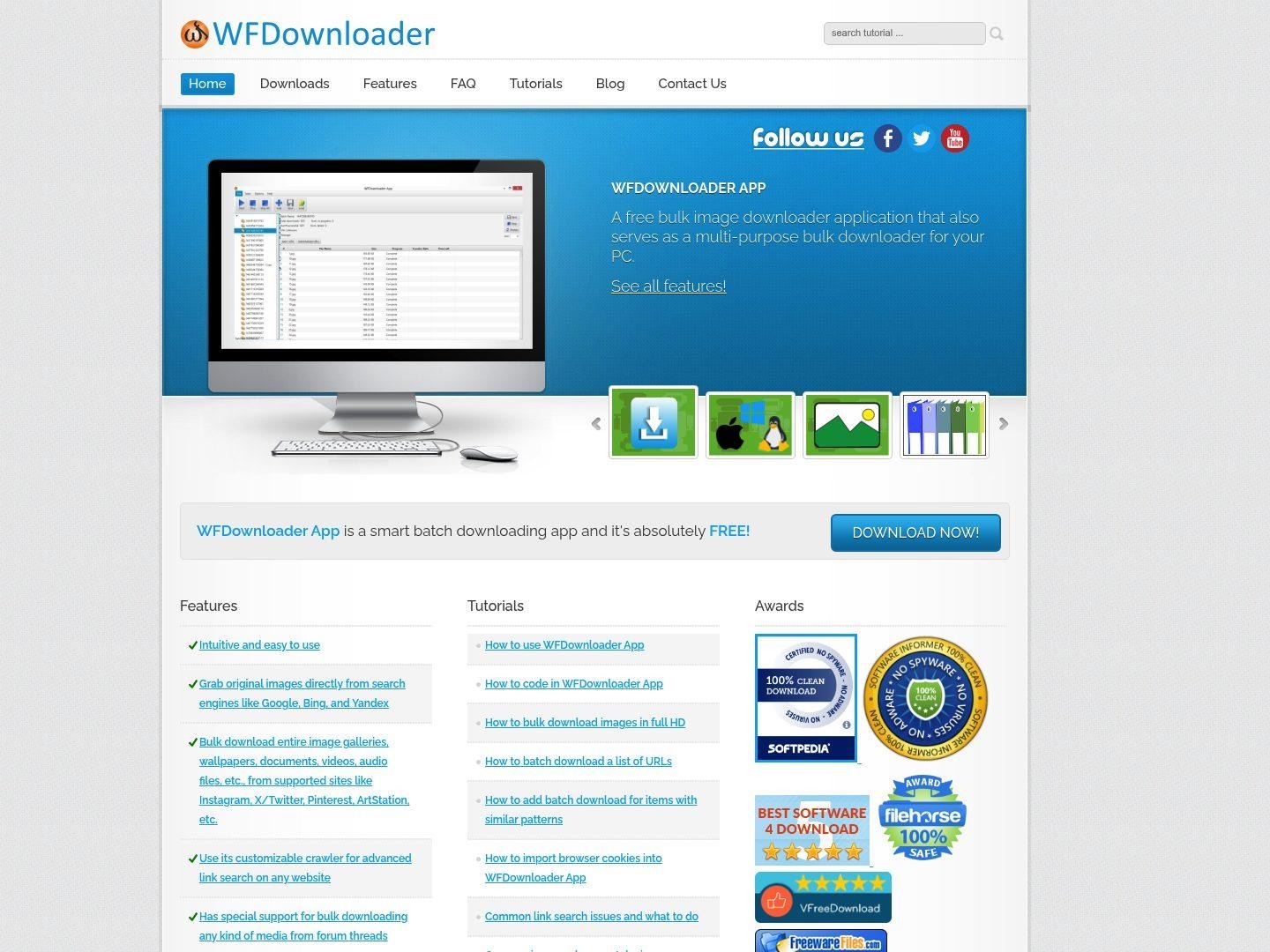
WFDownloader stands out because it is built around bulk downloading as a broader concept, not just a single social media save action. For users who need repeated media collection and don’t mind a more utility-driven tool, it is one of the most relevant alternatives for large Instagram-saving workflows.
Key Features:
- Strong batch-downloading DNA
- Better fit for volume-oriented users
- Useful for repeated media collection tasks
- Relevant for advanced users who want more control
Safety Rating: High
Supported Formats: Broad bulk media download support across supported sites
Max Quality: High for collection workflows
Step-by-Step Guide:
Step 1: Open WFDownloader.
Step 2: Set up the Instagram-related batch collection workflow you need.
Step 3: Run the downloader against the target source or supported links.
Step 4: Export and organize the saved media locally.
4. Inflact
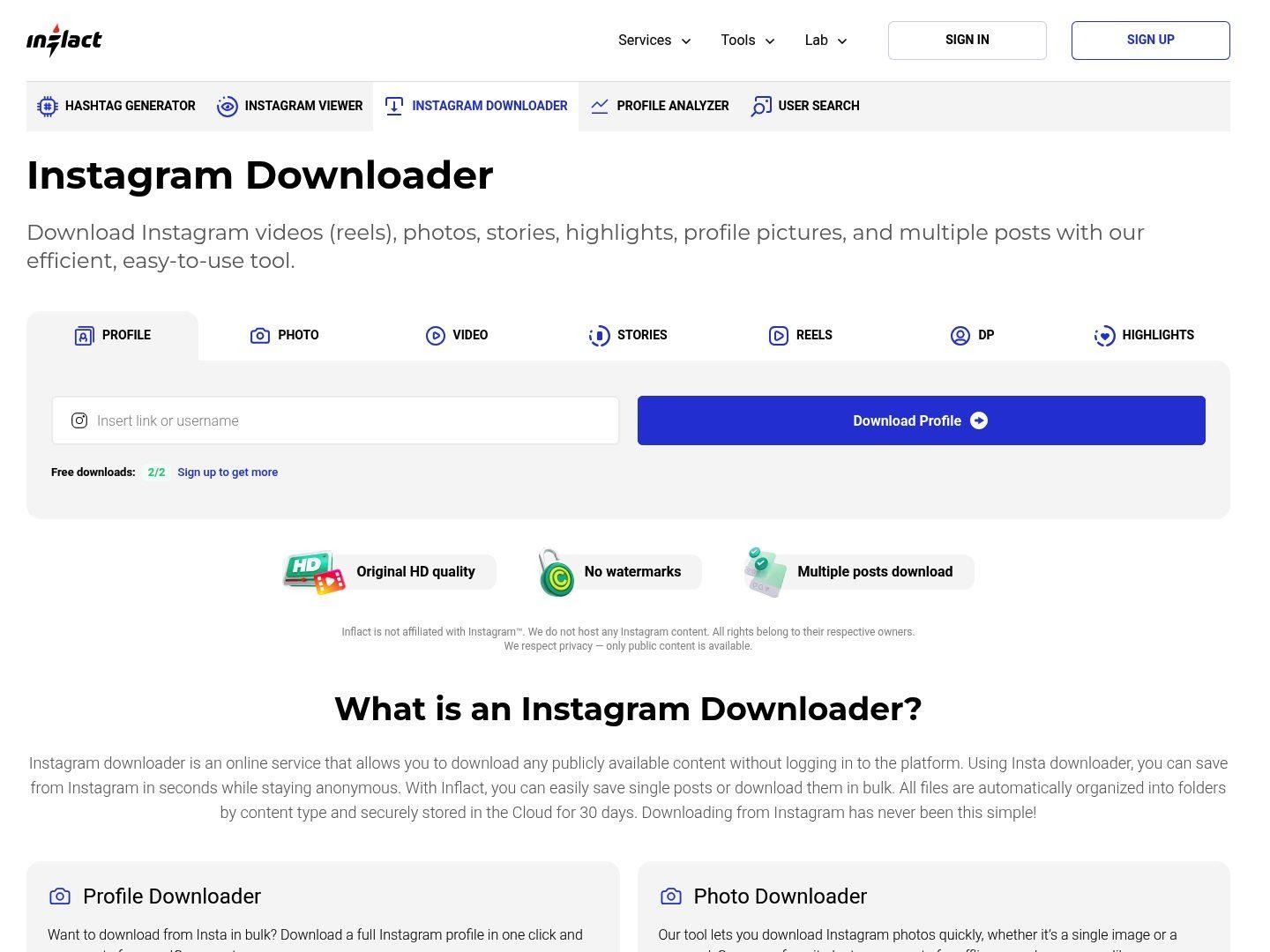
Inflact is not as bulk-native as a dedicated desktop collector, but it makes sense for users who regularly save Instagram content for research, planning, or social media review. It feels more substantial than throwaway downloader pages and fits repeated-use intent better than many browser-only tools.
Key Features:
- Broader social utility feel
- Useful for recurring content collection
- Better suited to researcher or marketer use than basic one-off pages
- Relevant for repeat Instagram monitoring
Safety Rating: Medium
Supported Formats: Instagram media download workflows across multiple content types
Max Quality: Good to high depending on source
Step-by-Step Guide:
Step 1: Open Inflact’s Instagram downloader.
Step 2: Paste the relevant Instagram link or source target.
Step 3: Generate the media result and repeat as needed for your collection flow.
Step 4: Save and organize the output files.
5. FastDL
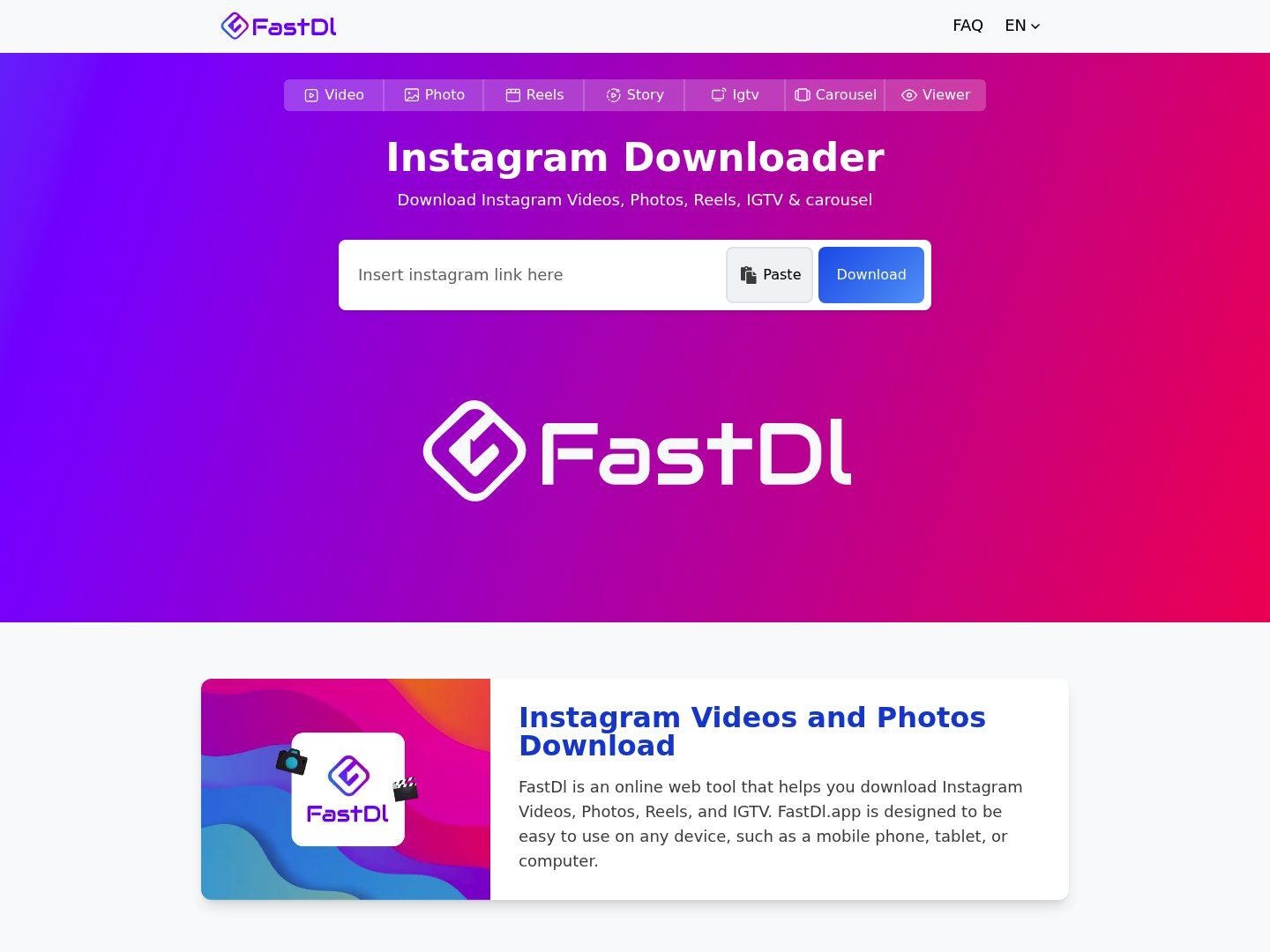
FastDL remains useful even in a bulk-oriented list because it is fast, accessible, and supports multiple Instagram content types. It is not a true heavy-duty batch manager, but it works well when users need to save many items across repeated sessions and want a quick browser fallback.
Key Features:
- Very easy browser access
- Supports several Instagram media types
- Useful as a quick repeated-save option
- Good backup tool in a larger workflow
Safety Rating: Medium
Supported Formats: Video, photo, reel, IGTV, and carousel downloads through a web workflow
Max Quality: Good for casual repeated use
Step-by-Step Guide:
Step 1: Open FastDL.
Step 2: Paste the Instagram post or media link.
Step 3: Generate the downloadable result.
Step 4: Repeat across the items you want to collect.
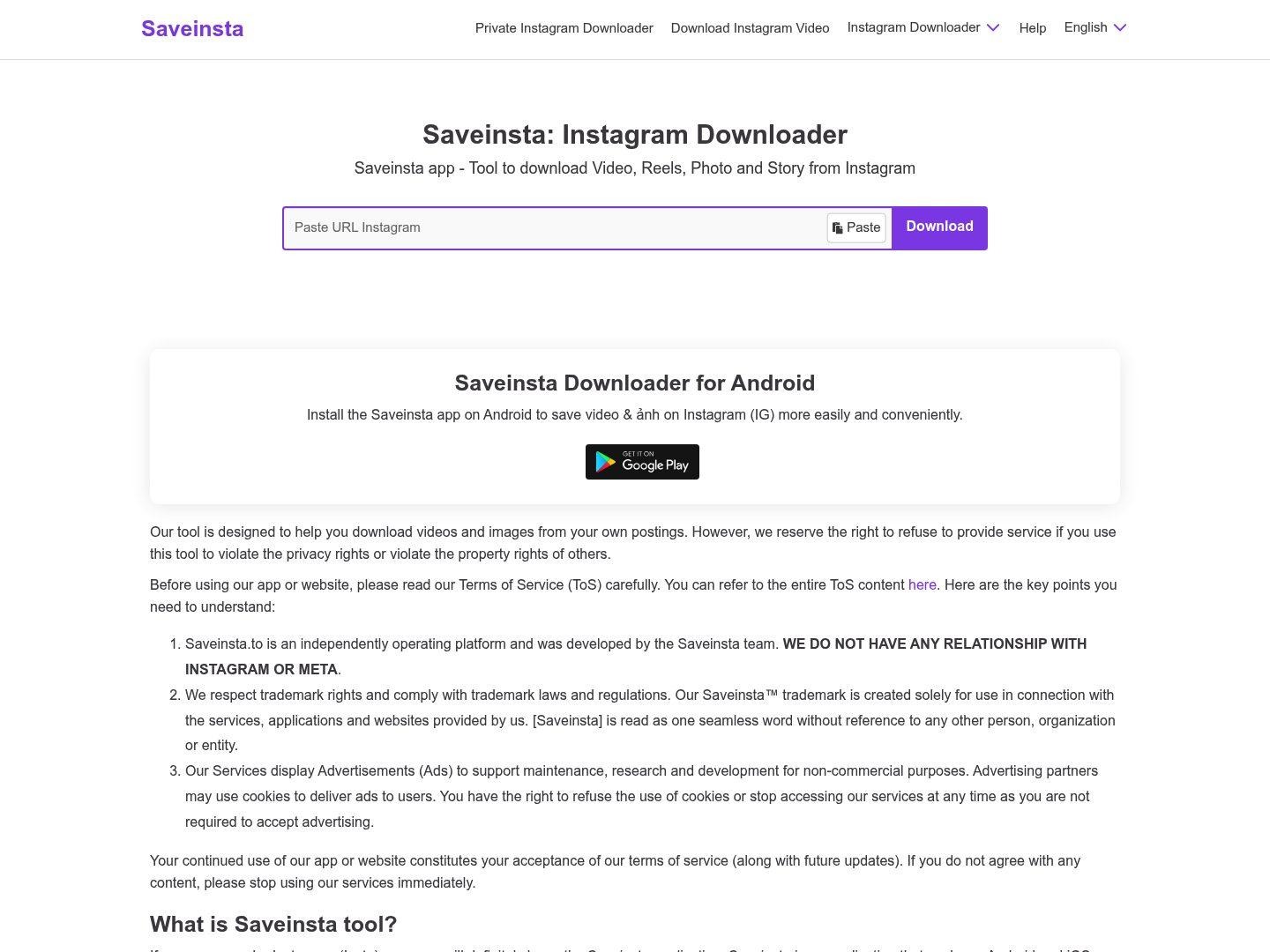
6. SaveInsta
SaveInsta fits this list as a practical mainstream browser alternative. It is best for users who are not doing enterprise-scale collection but still want to save many Instagram items in one working session without installing dedicated software.
Key Features:
- Accessible browser-based workflow
- Useful when multiple items need to be saved in one sitting
- Broadly familiar category option
- Simple for casual or mid-volume use
Safety Rating: Medium
Supported Formats: Common Instagram media download outputs via browser
Max Quality: Good for lighter batch sessions
Step-by-Step Guide:
Step 1: Visit SaveInsta.
Step 2: Paste the Instagram link you want to save.
Step 3: Download the generated media.
Step 4: Repeat for the rest of your current batch.
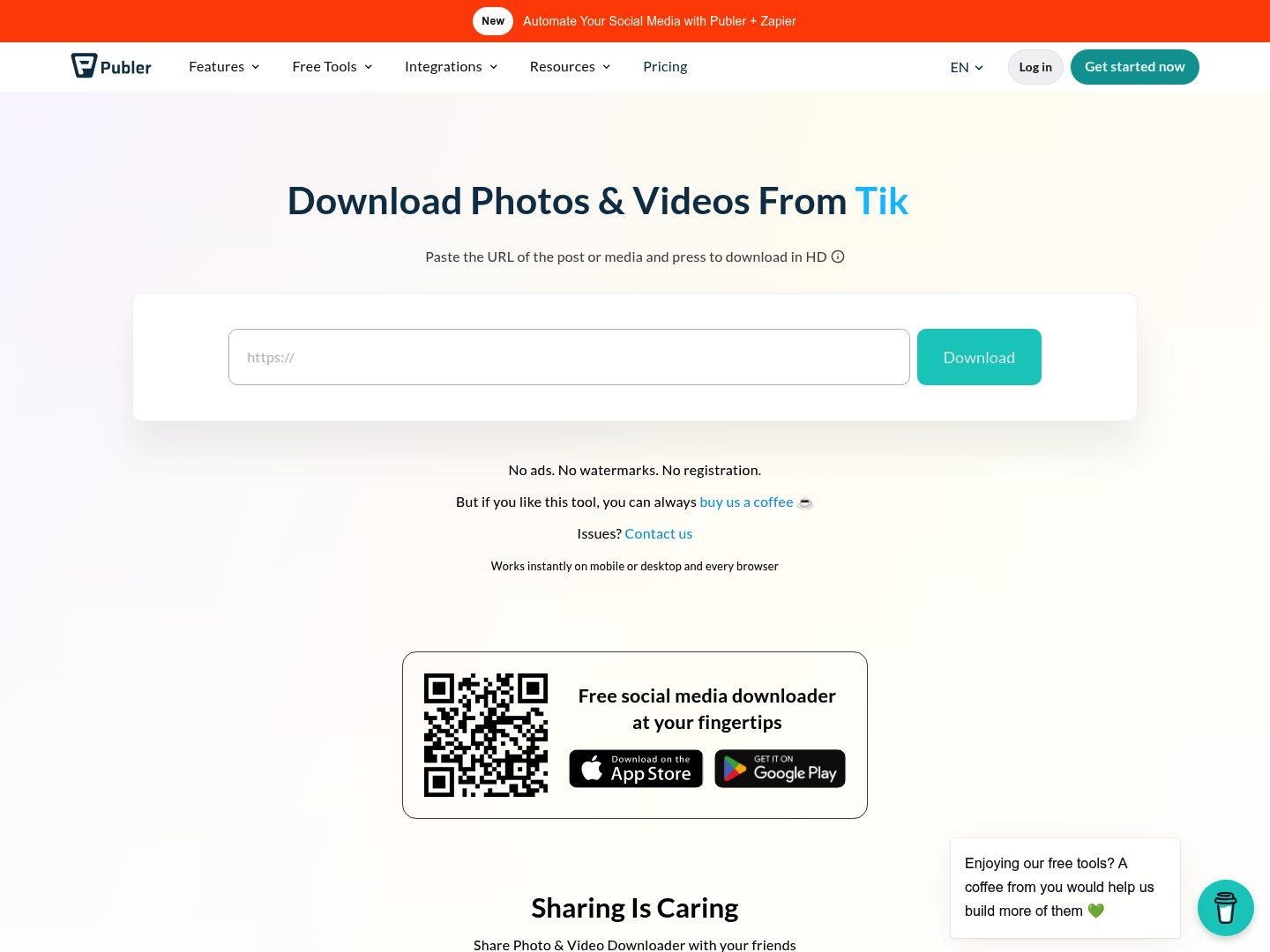
7. Publer Instagram Downloader
Publer’s Instagram downloader is not the deepest bulk solution, but it is still relevant for users who live inside social media workflows and want a cleaner utility page from a known social tool brand. It works better as a lighter operational helper than a true archive engine.
Key Features:
- Useful for social media operators
- Cleaner brand context than many anonymous downloader pages
- Good supplemental tool for workflow stacks
- Simple browser-based access
Safety Rating: Medium
Supported Formats: Instagram media download through a web utility workflow
Max Quality: Good for light to mid-volume use
Step-by-Step Guide:
Step 1: Open Publer’s Instagram downloader page.
Step 2: Paste the target Instagram URL.
Step 3: Generate the result.
Step 4: Save the media and continue with the rest of the items.
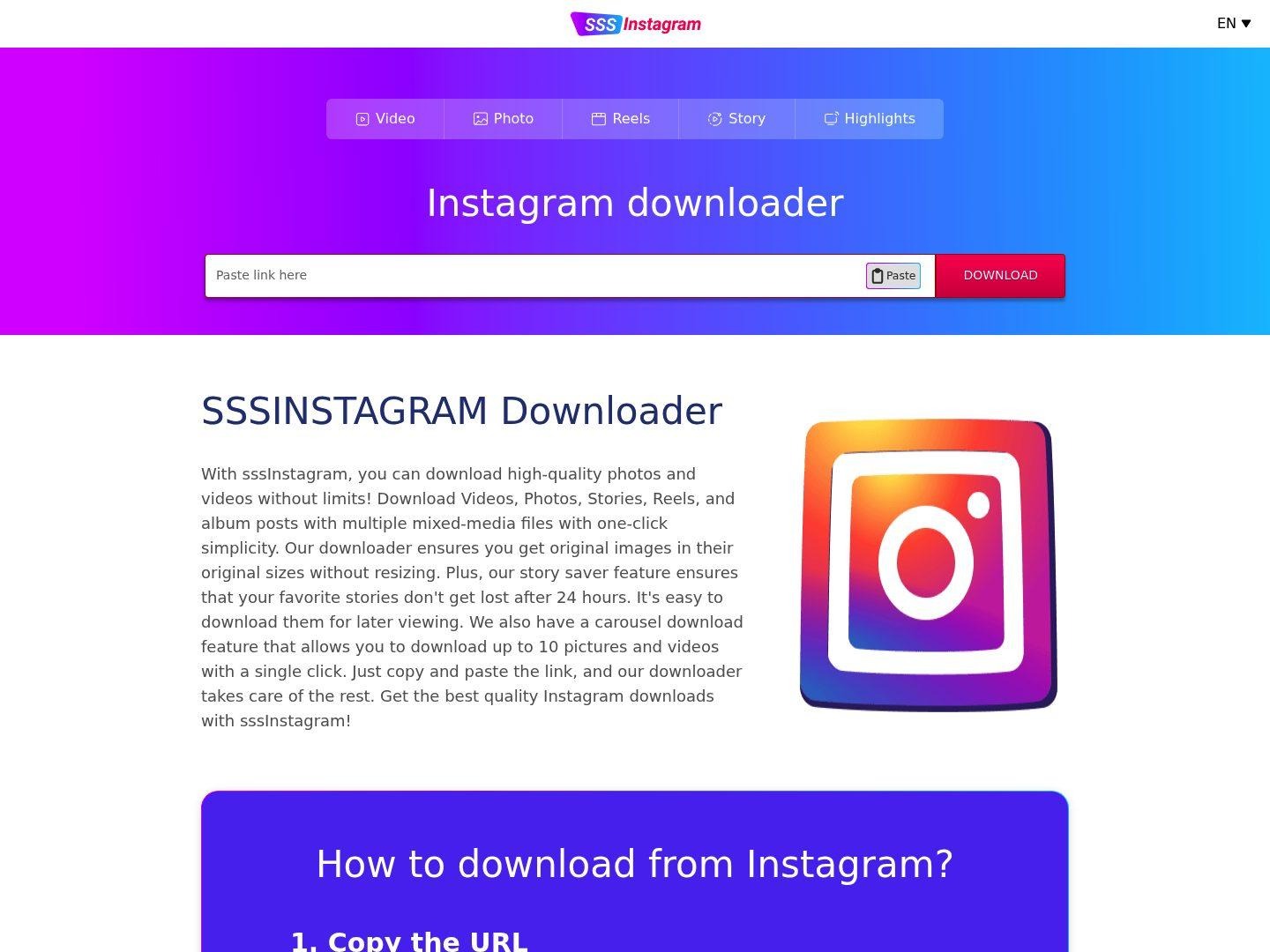
8. SSSInstagram
SSSInstagram is here as a simpler browser fallback. It is not the strongest choice for real batch management, but it is still useful when users want an extra no-install option while collecting multiple individual items in a short session.
Key Features:
- Very easy to understand
- Simple fallback option
- No install required
- Useful when other web pages fail
Safety Rating: Medium
Supported Formats: Browser-based Instagram save workflow
Max Quality: Good for casual repeated use
Step-by-Step Guide:
Step 1: Open SSSInstagram.
Step 2: Paste the Instagram URL.
Step 3: Run the download flow.
Step 4: Repeat as needed for the rest of your list.
Part 3. Detailed Comparison Table
|
Tool |
Type |
Best For |
Ease of Use |
Setup Needed |
Bulk Fit |
Main Strength |
Main Limitation |
|
4K Stogram |
Desktop |
Account, hashtag, and archive-scale collection |
Easy |
Installation required |
Very strong |
True bulk workflow depth |
Not as lightweight as browser tools |
|
UniConverter |
Desktop |
Post-download conversion and batch organization |
Easy |
Installation required |
Good |
Strong after-download file handling |
Not bulk-first for direct IG extraction |
|
WFDownloader |
Desktop |
Advanced media collection and batch control |
Medium |
Installation required |
Very strong |
Built around bulk downloading |
Less beginner-friendly |
|
Inflact |
Web suite |
Repeated research and monitoring use |
Easy |
No installation |
Good |
More substantial repeat-use feel |
Less directly batch-native |
|
FastDL |
Web |
Quick repeated saves across multiple sessions |
Very easy |
No installation |
Medium |
Fast and accessible |
Manual repetition at scale |
|
SaveInsta |
Web |
Light to mid-volume batch sessions |
Very easy |
No installation |
Medium |
Easy browser access |
Limited organization |
|
Publer |
Web tool |
Social workflow support and lighter collection |
Very easy |
No installation |
Medium |
Cleaner brand context |
Not a deep archive tool |
|
SSSInstagram |
Web |
Backup no-install fallback use |
Very easy |
No installation |
Medium |
Simple and accessible |
Weak true bulk handling |
Part 4. Use Cases of an Instagram Bulk Downloader
Building a Swipe File or Reference Library
Bulk downloader intent often comes from users who are building a reusable library of hooks, visuals, creator references, or post patterns. In that use case, download speed matters, but repeatability and organization matter even more.
Archiving Posts From a Creator or Niche
Some users want to save content from a creator, brand, theme, hashtag, or location over time. That is where desktop-style tools become much more valuable than simple one-link pages because scale and repeatability become the real bottlenecks.
Reviewing Instagram Assets for Team Work
Teams often need to collect many examples for review, inspiration, or repurposing discussion. A weak workflow becomes painful fast when ten downloads turns into fifty.
Managing Saved Files After Collection
A bulk workflow is incomplete if the files become chaotic afterward. That is why some users pair direct download tools with desktop conversion or organization software for cleanup and reuse.
Conclusion
If you need a real Instagram bulk downloader instead of a simple one-post saver, 4K Stogram is the clearest top pick here because its feature set directly matches account-scale, repeated monitoring, and archive-style collection. WFDownloader is a strong second option for users who want batch depth and broader media utility. Inflact, FastDL, SaveInsta, Publer, and SSSInstagram remain useful depending on whether your priority is repeat convenience, browser accessibility, or lightweight fallback use. If your main challenge starts after the files are already downloaded, UniConverter becomes the more practical add-on because it helps organize, convert, and manage larger batches once they are local.
FAQ
-
What is an Instagram bulk downloader?
It is a tool designed for saving multiple Instagram items more efficiently, whether that means repeated downloads, archive collection, or larger batches of posts and media. -
Which tool in this list is most clearly built for bulk downloading?
4K Stogram is the strongest direct fit because it explicitly supports large-scale collection by username, hashtag, location, saved posts, and more. -
Are browser tools enough for bulk workflows?
They can be enough for lighter repeated saving, but they usually become less efficient when the workload grows. Desktop tools tend to make more sense for true batch or archive use. -
Why is WFDownloader included?
Because it is built around bulk downloading as a workflow and is relevant for users who need more serious collection depth than standard downloader pages provide. -
Did this article use real screenshots from live pages?
Yes. The screenshots included in this file were captured from live pages before the document was generated.
